
No marketer is surprised that free plans have limits.
I mean, we know what we’re signing up for. Something that exists purely to give you a taste of the product, get you using it daily, and then move you onto a paid plan.
What catches a lot of us off guard on link shortener free plans, though, is what that limit actually is.
Most assume it's going to be the number of links you can create for free each month. Often it's the need for more advanced features like team workspaces or custom branded domains. All the free links in the world don’t matter much if your customers are funneled through an ad page first before they get where you’re sending them.
In this review, I’m going to compare the free plans on five popular link shorteners, and that comparison is going to be based not only on the number of free links it gives you, but on the features marketers and growing businesses need.
By the way, if all you’re looking for is a free way to shorten a link right now, we have a free link shortener tool you can use without an account. Try it here.
5 free link shortening tools compared
How we reviewed these free link shorteners
The review of each of the five link shorteners below is based on both my personal use with the tool as well as what is and isn’t included on the free plan.
I’ve specifically looked out for:
- The number of links you can create on the free plan (per month or lifetime limit)
- Branded/custom domain (important for customer trust)
- Custom back-halves (also for trust)
- Link editing (whether you can redirect an existing short link or have to create a new one)
- Analytics depth (if included at all, and, if so, what data you get)
- Preview/ad page (hurts trust and conversion when customers have to see an ad before being redirected to your page)
For each tool, I’ll explain what the free plan includes, what it's missing, and who I’d recommend it for.
Rebrandly
- Best for: Businesses and marketing teams in regulated industries, or anyone who needs SOC 2 Type II, HIPAA, and GDPR compliance alongside branded links on their own domain.
- Look elsewhere if: Your number one concern is the number of links you can create and track for free.
Rebrandly is a link intelligence platform. It turns long URLs into branded links on your own domain and tracks how your audience interacts with each link so you can see which campaigns perform best.
The free plan includes unlimited clicks, custom back-half editing, and the ability to connect a custom domain.
Learn how Rebrandly stacks up against the other tools reviewed here: The 5 best URL shorteners in 2026 (tested and compared).

What you get on Rebrandly’s free plan
- 10 links/month
- 10 QR codes/month
- 1 custom domain + 1 free rebrand.ly domain
- Custom back-halves
- Unlimited clicks and QR scans
- Total click count plus detailed engagement data on 100 clicks/scans a month
- 1 link gallery (link-in-bio)
- HIPAA, SOC 2, and GDPR compliance
Just as important as what you get on the free plan is what you’ll be paying if and when you decide to upgrade. Learn about Rebrandly’s pricing here.
Bitly
- Best for: Solo marketers and creators who want a handful of links, QR codes, and a link-in-bio page
- Look elsewhere if: You need more than 5 links or 2 QR codes a month, want links without a preview/ad page, or need any click analytics on free
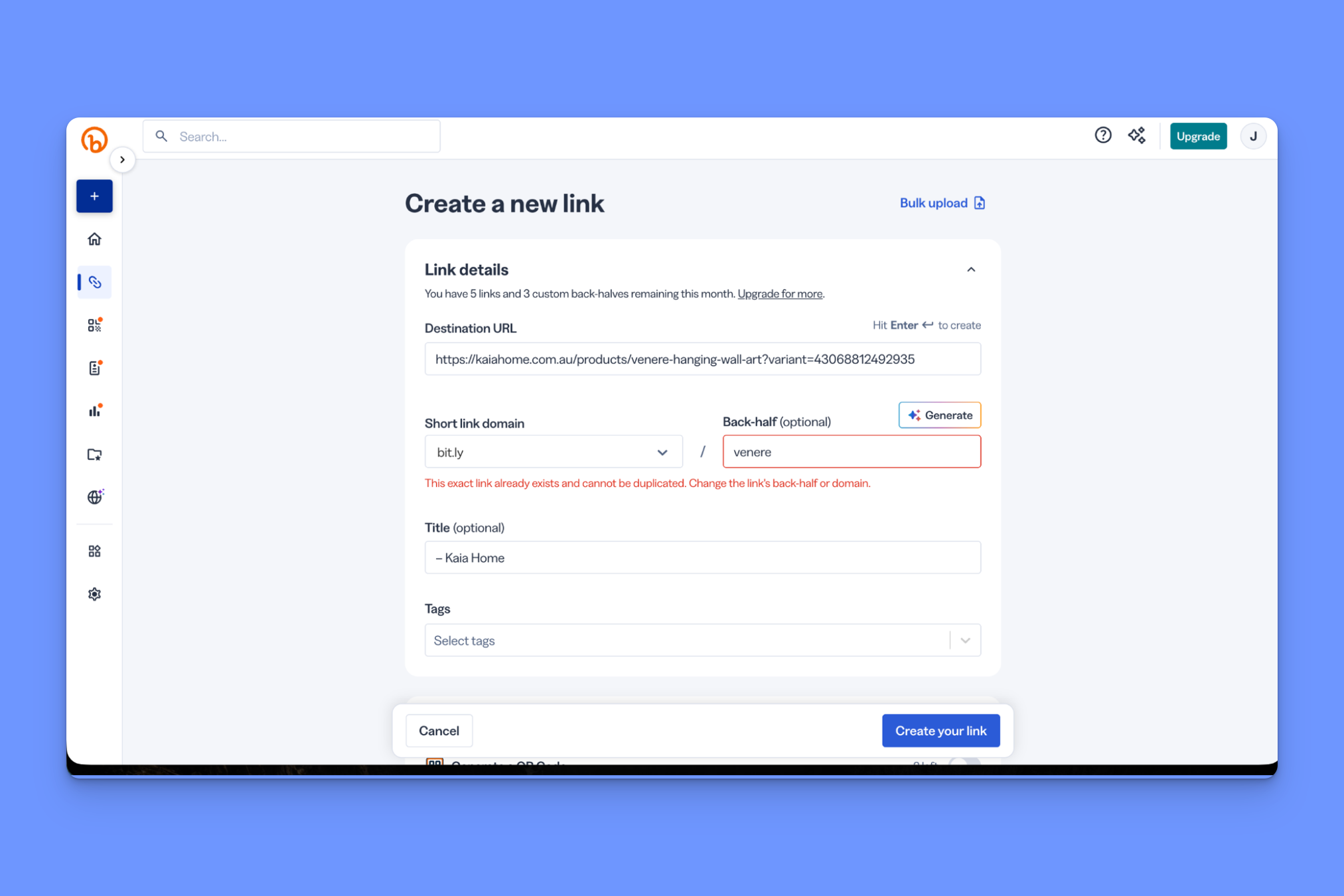
Bitly is one of the more well-known names in link shortening. It does the basics well, and includes a handful of them (links, QR codes, link-in-bio pages) on the free plan. Most businesses will need to upgrade fairly quickly, though, as they’ll hit usage limits (e.g. needing to create more than 5 links).
Learn more about Bitly in our full-length review.
What you get on Bitly’s free plan
- 5 links/month
- 2 QR codes/month
- 3 custom back-halves/month
- 2 custom landing pages (Bitly-branded)
- Unlimited clicks and scans
- QR customization in a WYSIWYG builder (templates, colors, frames)
- Mobile app
- 2-factor authentication
- 1,000 API requests/month
Limitations of Bitly’s free plan
- Every free link opens on a Bitly preview + ad page before it redirects, which may be perceived as intrusive on anything customer-facing
- Zero click or scan analytics on free (landing-page views only)
- No branded domain, so all links are on bit.ly
- No link editing or redirects on the free plan
Just as important as what you get on the free plan is what you’ll be paying if and when you decide to upgrade. Learn about Bitly’s pricing here.
Short.io
- Best for: Technical founders and solo side-projects who want a lot of links on a small budget
- Look elsewhere if: You’re a non-technical marketer or team
Short.io is an affordable developer-leaning shortener. It's the most generous on links of all free plans, but it’s built more for side-projects and technical founders than it is for teams (you can’t add teammates until the second highest paid plan, for instance).
Learn more about Short.io in our full-length review.
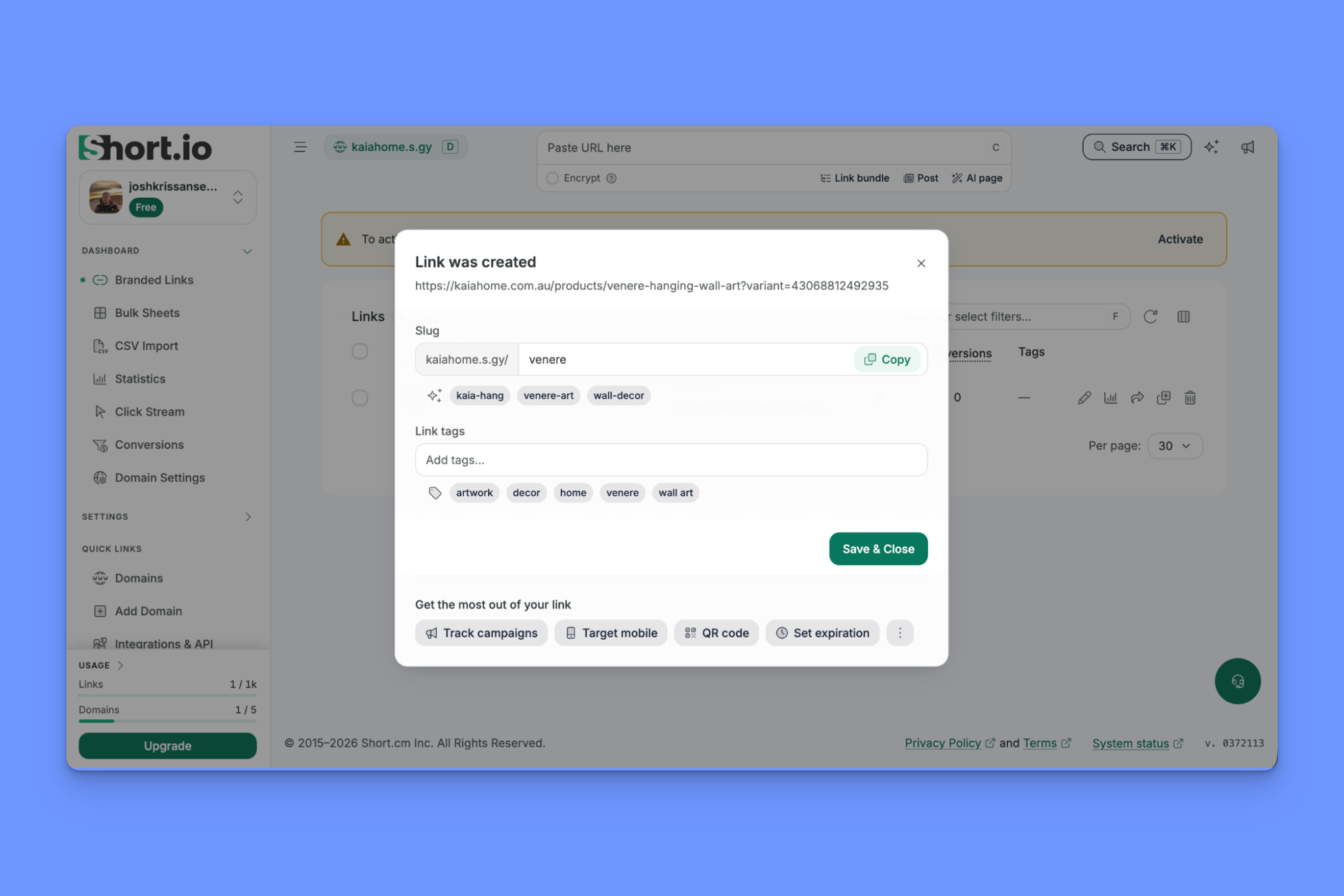
What you get on Short.io’s free plan
- 1,000 links total (lifetime, not monthly)
- 5 custom domains
- Slug/back-half editing
- Full link editing (change destination any time)
- Destination/link deletion (frees up a spot against the 1,000)
- 50,000 tracked clicks/month
- QR codes (customizable: color, logo, label)
- Link bundles (link-in-bio)
- Device targeting
- A/B testing
Limitations of Short.io’s free plan
- Free domain is a shared .s.gy subdomain (unbranded, anyone can use it, and it risks coming off as untrustworthy in an inbox)
- No click tracking after 50,000 clicks
- 1 user (multiple users not available until the $48/month plan)
Just as important as what you get on the free plan is what you’ll be paying if and when you decide to upgrade. Learn about Short.io’s pricing here.
Dub
- Best for: Teams running an affiliate or partner program.
- Look elsewhere if: You just need link management (Dub is focused on the Partner product, for which there is no free plan) or if you need link-in-bio pages.
Dub has two products. Dub Links positions itself as a modern, dev-friendly link attribution platform. Dub Partners is a platform for managing affiliate relationships.
The latter is clearly the focus for Dub moving forward, and it's the main reason to buy Dub over anything else. For now, though, Links is still available as a standalone product.
Learn more about Dub in our full-length review.

What you get on Dub’s free plan
- 25 links/month
- 1,000 tracked events/month (events = clicks plus conversions)
- Analytics track country, city, device, referrer
- 3 custom domains + a free .link domain
- Custom QR codes
- Link editing
- UTM templates
- API access
Limitations of Dub’s free plan
- Only 30 days of analytics retention on the free plan
- No link-in-bio page at all
- QR codes carry a Dub logo on the free plan
- The thing Dub is actually built for (Partners) isn’t on free or Pro
Just as important as what you get on the free plan is what you’ll be paying if and when you decide to upgrade. Learn about Dub’s pricing here.
TinyURL
- Best for: Anyone who needs to shorten a link fast, on a budget, without having to create an account.
- Look elsewhere if: You need analytics, the ability to edit or delete a link, to work with teammates, or any marketing feature beyond a clean short link.
TinyURL is the OG quick link shortener, and it's stayed in that lane ever since it started shortening URLs back in 2002.
You can use it to shorten and share a link (and QR code) without having to sign up for an account, and it's one of the more scalable paid tools too, since you can choose your monthly link creation limit on all plans.
The downside is that when you inevitably need to upgrade, TinyURL’s paid plans are light on the features marketers actually need, with no dynamic routing, no deep linking, no UTM presets, no conversion tracking, and no team controls.
Learn more about TinyURL in our full-length review.
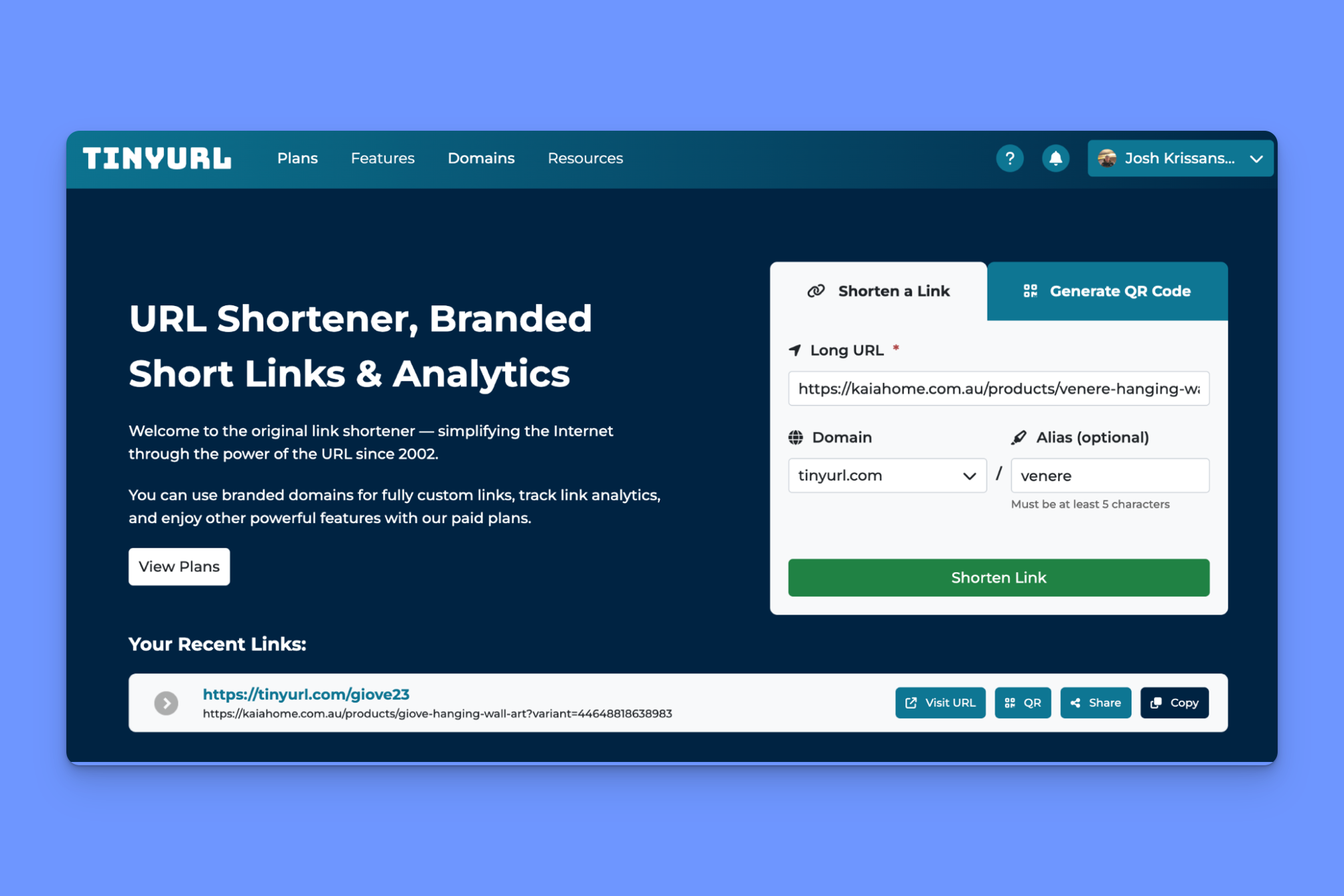
What you get on TinyURL’s free plan
- 30 links/month
- Unlimited tracked clicks
- Custom back-half
- Automatic QR code on every link
- Links never expire
- 1 custom domain
Limitations of TinyURL’s free plan
- Zero analytics on the free plan
- No link editing or deletion on the free plan
- QR codes can’t be customized
- Preview page with ads on free links
Just as important as what you get on the free plan is what you’ll be paying if and when you decide to upgrade. Learn about TinyURL’s pricing here.
5 signs you’ve already outgrown a link shortener’s free plan
When is the right moment to upgrade from a free plan and start paying for a link shortening tool?
Sometimes, simply running out of free links is what tells you it's time to upgrade. For many businesses and marketers, though, it's usually that there’s something else you want to do (track conversions, for example) that you can only do with a paid plan.
If you’re already in one or more of the five situations below, or you think you will be soon, then a free link shortener plan probably isn’t worth your time.
1. You need more than a handful of tracked clicks
Every free plan caps how much click data it’ll record, regardless of how many links you’ve created or the monthly link limit.
Once your campaigns are driving real traffic, free tracking is going to hit a limit, and if you want to understand your link performance beyond that, you’ll need to upgrade.
2. You need deeper analytics than any free tier gives
Most link shorteners give you some analytics on the free tier, but not everything. Most give you country-level click data, for example. If you need to get more granular and understand click performance at the city level, then you generally need a paid plan.
It's also worth bearing in mind that most tools’ analytics give you intel about clicks only, but can’t tell you what happened after the click. Rebrandly’s Conversion Tracking gives marketers what they really care about: intel on how link clicks lead to conversion activities like sign-ups and purchases.
3. You’ve started running more detailed campaigns and need to route or test
As soon as you need to run A/B tests, set up mobile deep links to send customers directly to a page in-app, route dynamically based on device or region, or set up UTM governance rules, you’ll need to upgrade.
All of these are paid-tier features across the board.
4. More than one person needs to manage links
This is one of the limits many marketers hit much earlier than expected, and it's one that increases subscription price significantly.
Separate logins, roles, permissions, and group workspaces are almost all paid features, and many tools gate these to the highest paid tier.
For example, Short.io doesn’t offer multiple teams until the Enterprise tier.
Rebrandly’s Professional tier, by contrast, includes 2 workspaces and teammates, expanding to 5 on the Growth plan.
5. You’re creating links in volume or on a schedule
As soon as links become part of a workflow, requiring bulk link creation, high API limits, and multiple domains, you’re beyond what a free plan can offer and into paid territory.
Is a free link shortener plan enough for you?
For most marketers, a free link shortener plan is enough to start on, but won’t be enough for the long term.
Once you want to know not just how many people clicked, but what city the click came from, what device the person used on and whether they purchased or signed up, you’re going to need a paid tool. Same goes if you need to collaborate with team members or want more advanced features like dynamic routing and deep linking.
Whether you're looking for a free link shortener to get started or you need more features, you can get started with Rebrandly for free.