


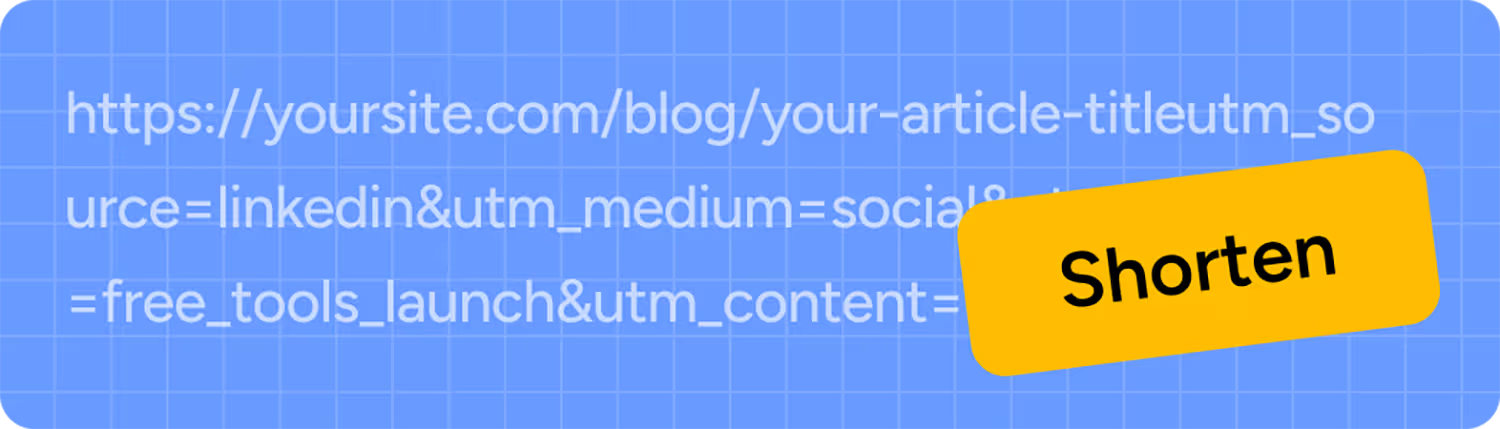
URL Shortener
Turn any link into a short, clean one in seconds.
Try it

Paste a LinkedIn profile, company page, or post link. Get a clean short link back in seconds.


Paste your LinkedIn link
Your profile, company page, or a specific post.
Get a short link
No sign-up needed for your first one.
Share anywhere
An email signature, a printed resume, another post, or a QR code.
Trusted by teams at


.svg)




LinkedIn automatically rewrites any link over 26 characters, domain and punctuation included, to its own lnkd.in domain.

That replacement link is anonymous, untrackable outside LinkedIn's own post analytics, and only exists inside that one post.
Paste your LinkedIn profile, company page, or post URL into the box above instead, and this tool hands you back a short, clean Rebrandly link you can use in an email signature, slide, LinkedIn post, or elsewhere, and it stays yours to track.
Keep in mind that our free tool to shorten URLs gives you a generic link with our rb.gy domain. But you can create a free account and use your own custom domain and URL slugs that match your brand.

LinkedIn post URLs are long and forgettable
Copy a published post's share link and you get a long numeric string built for LinkedIn's systems, not for people, like linkedin.com/posts/yourname_activity-7325871526078013441-4laD.
LinkedIn gives you limited click data
You can’t see how many people click links to your profile/company page, or the links you share in content with LinkedIn’s native analytics.
LinkedIn restricts how you can edit your links
LinkedIn limits how often you can change your company or profile URLs, and the URL you want might not be available. Using short links gives you the flexibility to change and update public-facing URLs when you want.
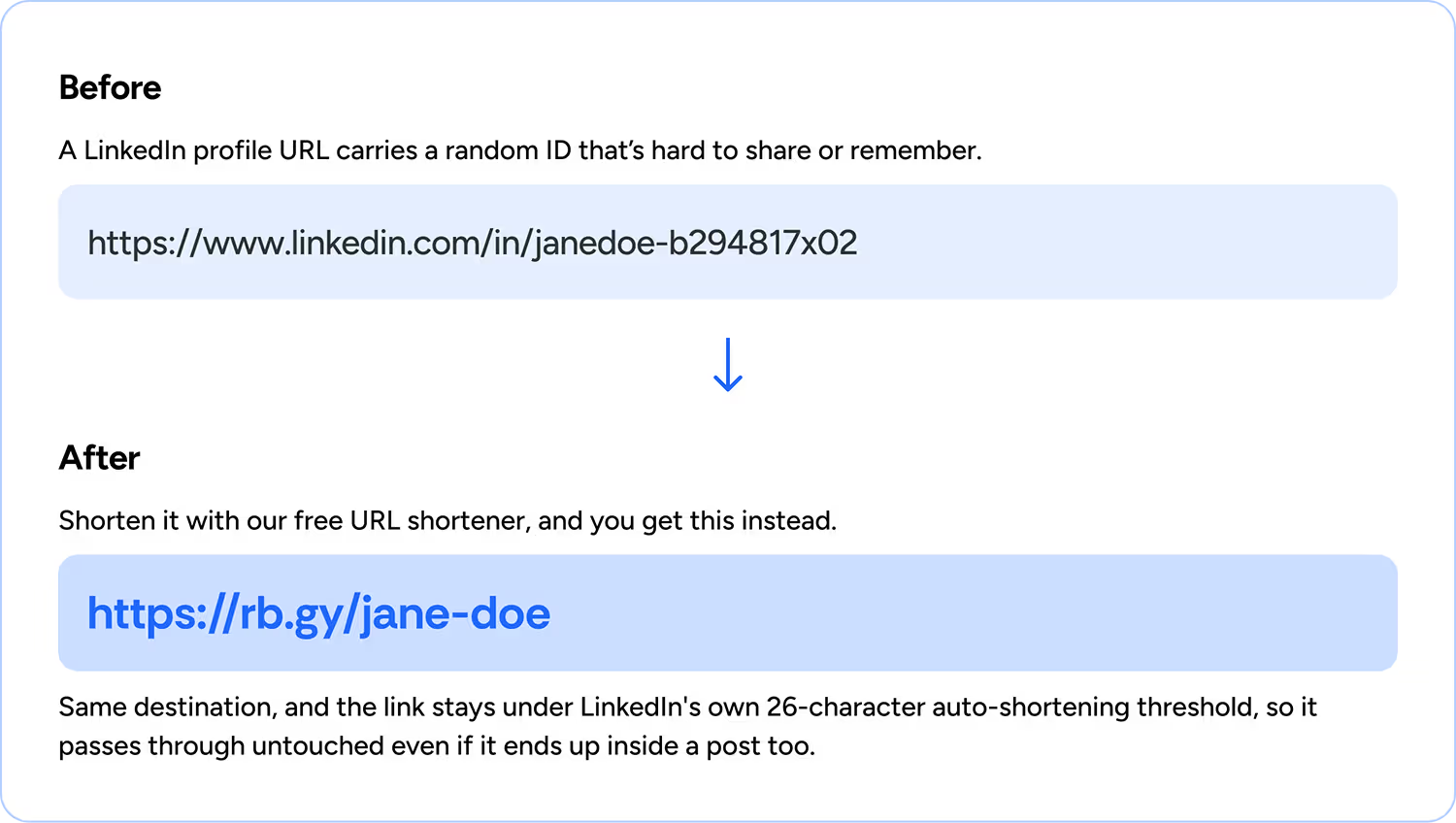
Keep in mind that our free tool to shorten LinkedIn URLs gives you a generic link with our rb.gy domain. Create a free account, though, and you can use your own custom domain and back half instead.

Passes LinkedIn's own rewrite threshold
Rebrandly links usually stay under that 25-character threshold, so they pass through LinkedIn's post rewriting untouched, as your own trackable link instead of LinkedIn's anonymous one.
Link intelligence
Rebrandly's been a link intelligence platform for creators, marketers, developers, and enterprise teams for years, and this free shortener runs on that same platform. We provide actionable insights, not just short links.
Built for professional presentation
A raw LinkedIn URL, random profile ID and all, reads like an afterthought on a resume, a business card, a slide, or in a cold outreach message. A short, readable link reads like something you made on purpose, wherever it lands.
Security
That platform-level trust extends to security too. Rebrandly is SOC 2 certified and GDPR and HIPAA compliant, with SSO and SAML 2.0 available for teams that need it, and a 99.99% uptime track record. It's the same system that 1.5 million users worldwide already run their links on.

You can learn more about Rebrandly's security and compliance measures here.
Shortening a LinkedIn URL costs nothing, no account or credit card required. Paste a profile, company page, or post URL above, and get a working short link back immediately, ready to use anywhere, including inside the post itself.
If you're shortening more than a handful of links a month, it's worth creating a free account. Beyond more links, you'll get:

Click tracking on every link

A custom domain instead of a shared one

Advanced Reports

A custom back half instead of a random string

All your links managed in one place
Paste your LinkedIn profile, company page, or post URL into the tool above and get a short link back instantly. No account required.
Yes. Paste the company page URL instead of a personal profile link, and it works the same way.
Yes. Paste the post URL instead of a profile or company page link. Useful when you want to point people to one piece of content rather than your whole profile.
LinkedIn automatically shortens links over 26 characters when you post them, but only inside a post, and only to its own lnkd.in domain, which you don't control or brand. This tool gives you a short link you can use anywhere, not just inside a LinkedIn post, and lets you customize, track, and reuse it.
No. Changing your profile URL is a setting inside your own LinkedIn account (Public Profile Settings), and it changes your profile's actual address. This tool creates a separate short link that points to whatever LinkedIn URL you paste in. Both are useful, and they don't conflict.
Not if your profile URL stays the same. LinkedIn profile URLs are something you set yourself in your account settings, and they don't change automatically when you update your job title, employer, or any other profile detail.
Yes, with a free account. Set a custom back half (the part after the slash) instead of a random string, so your link reads clearly wherever you use it.
Yes, with a free account. See a click count for any link you've shortened, useful for knowing whether that email signature or printed resume link actually got used.
No. Links created with Rebrandly stay active for as long as your account does. There's no built-in expiration.
Turn any link into a short, clean one in seconds.
Turn any link, including with UTM parameters, into a scannable QR code.
Check any URL for malware, fake websites, or phishing attempts.
For your social media
LinkedIn QR Code Generator
Turn any link, including with UTM parameters, into a scannable QR code.

Twitter/X URL Shortener
Shorten a Twitter/X profile or post link.
Twitter/X QR Code Generator
Turn a Twitter/X profile or post link into a QR code.
Facebook URL Shortener
Shorten a Facebook profile or post link.
Facebook QR Code Generator
Turn a Facebook profile, Page, or post link into a QR code.





