Password protect any link in seconds
Add a password to any branded short link from your dashboard. Recipients enter the password and go, without needing to create an account.


















Gate the link without gating the workflow

Quick password setup
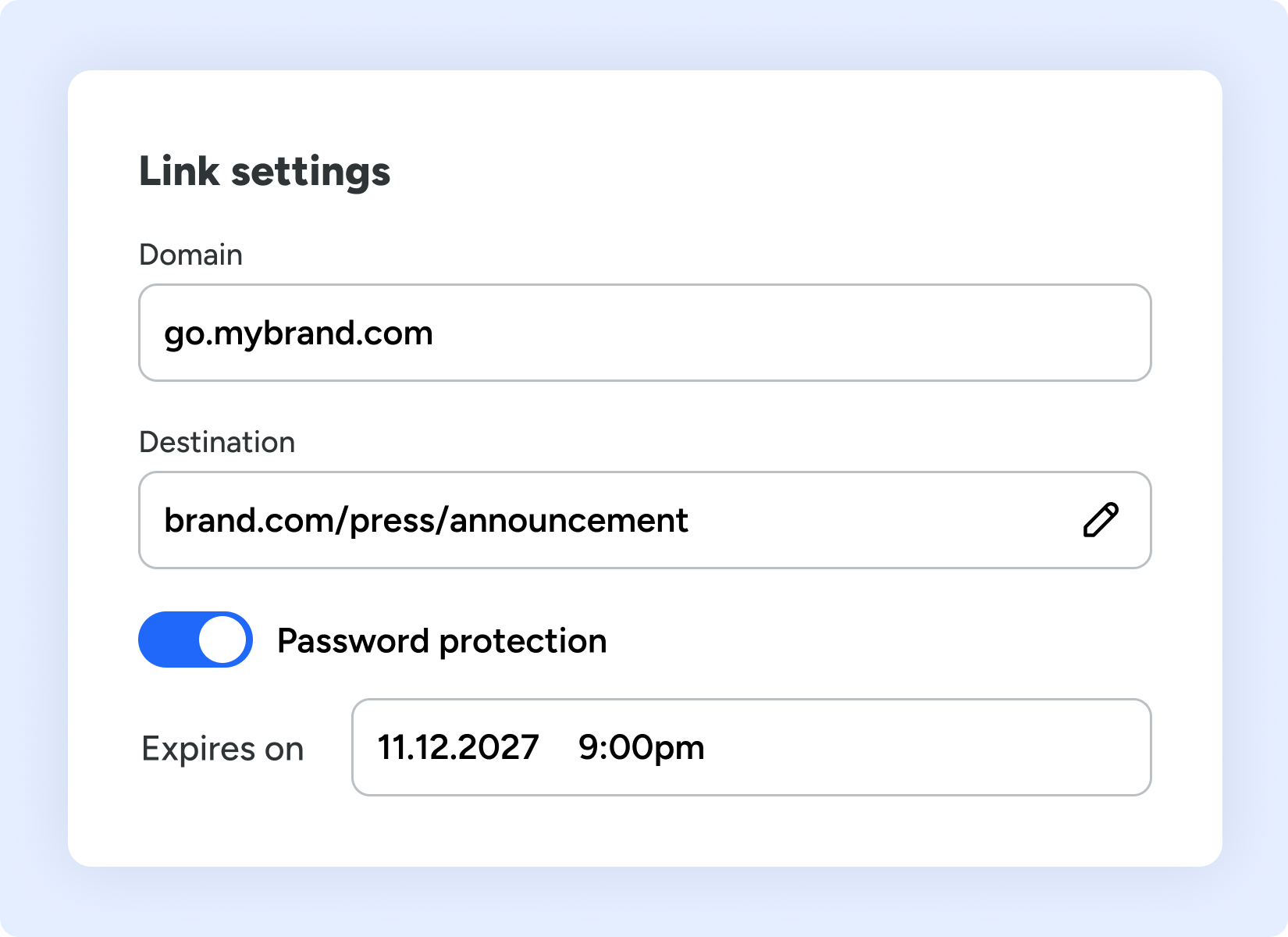
Open any link, toggle password protection on, and create the password.

No recipient accounts
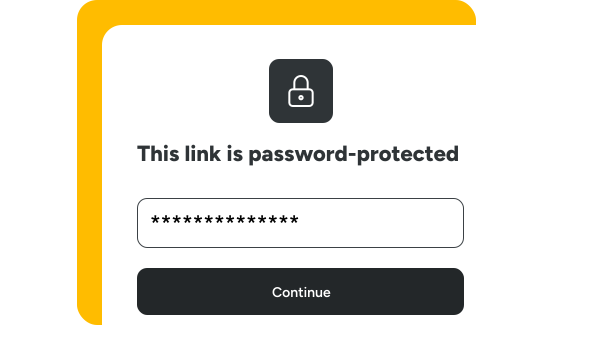
Anyone with the link sees a prompt, enters the password, and reaches the destination.

Any destination
Gate a landing page, a PDF, a video, or a resource hub without changing the page itself.
Keep your brand and controls on every link
Branded domains
Every gated link runs on your own domain, not a generic shortener’s.
Link expiration
Give your links a date and time to stop redirecting, and they deactivate on their own.
Edits after sending
Change the destination after a link is created or remove the password when needed.
Track clicks and opens on every protected link

Click tracking
Clicks count every time someone clicks the link, whether or not they enter the right password.
Open tracking
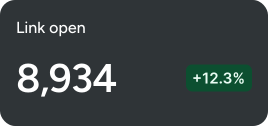
Opens count every time someone enters the right password and reaches your content.
Persistent stats
Change the password whenever you need. Your existing stats stay put.
When to password protect links
A few of the ways teams put it to work.
Sensitive documents
Share records, grades, or financial files that only people with the password can open.
Exclusive content
Gate content meant for a specific audience, like announcements for your press list.
Beta testing
Keep beta access limited to your testers.
Surveys
Restrict who can reach your survey.
Pass your security review with every protected link
We run on AWS with 99.99% uptime, and we’re SOC 2 Type II, HIPAA, and GDPR compliant, along with CCPA.


Why teams choose Rebrandly

Our URLs are long and people love to add UTMs, so branded links are much clearer for our marketing materials.


Rebrandly empowers us to keep tabs on our campaign performance worldwide.

Password protected link questions, answered
A password protected link is a URL that asks a visitor for a password before sending them to the destination. The gate runs at the redirect layer, so only people with both the link and the password reach the content.
In Rebrandly, create a new link or open an existing one, toggle on password protection in the link settings, and set your password. The change takes effect immediately, so you can protect a link before you send it or add a password to one already in circulation. No developer involvement needed.
A password protected URL gates the link, so any destination you control is covered without touching the page. Page-level protection in a CMS like WordPress or Webflow gates one page and requires CMS access.
No. Password protection gates access at the redirect layer, meaning a visitor must enter a password before being sent to the destination. The page itself isn't encrypted and its contents are unchanged. For regulated databases or systems requiring identity verification, pair link gating with platform-level authentication.
A one-time password link, offered by credential-sharing tools, destroys itself after a single view and is typically used to pass an API key. A Rebrandly password protected link persists across multiple visits, runs on your branded domain, and reports click analytics.
Password protected links are available on Professional plans and above.
Every password protected link records click volume, geography, device, OS, browser, and referrer, the same data as any other link in your account.
Yes. The REST API creates and updates links programmatically, with Python and Node.js SDKs, webhooks, and an MCP server. Rate limits scale by plan: 100 calls per minute on Free, 300 on Essentials, 600 on Professional, and 1,000 on Growth. Enterprise limits are set per account.

Follow us


Download the app