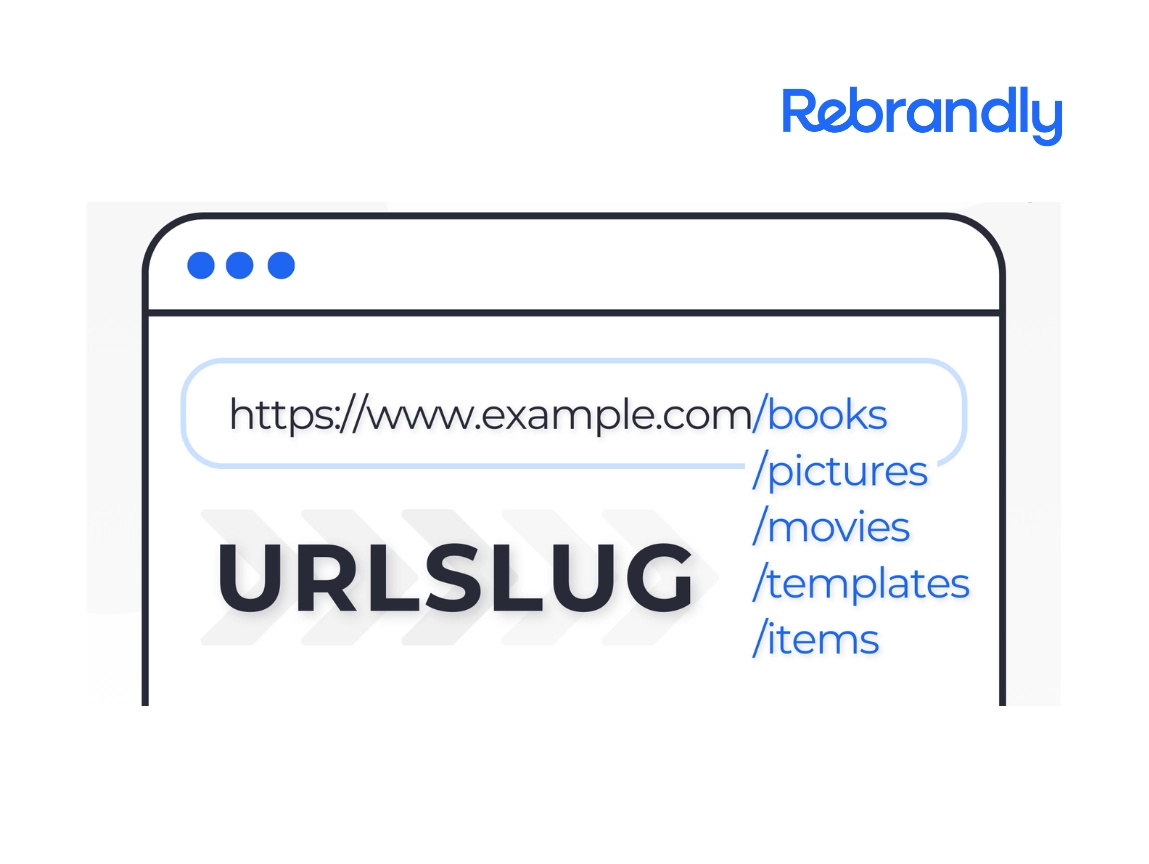
If you’re looking to shorten a link, you’ve got a few different routes you can take. Sure, you could use one of those generic url shortener tools or free url shortener services that’ll turn any long original URL into something shorter, but you’ll end up with some random, unbranded link that doesn’t give you much control over how it looks or works.
That’s where Rebrandly comes in. Instead of just creating a basic shortened URL, it lets you actually customize it and turn it into branded links that promote your business. Pretty neat way to make your links work harder for your brand.
How to shorten a link with Rebrandly
Take a look at the below to understand how branded links are constructed.
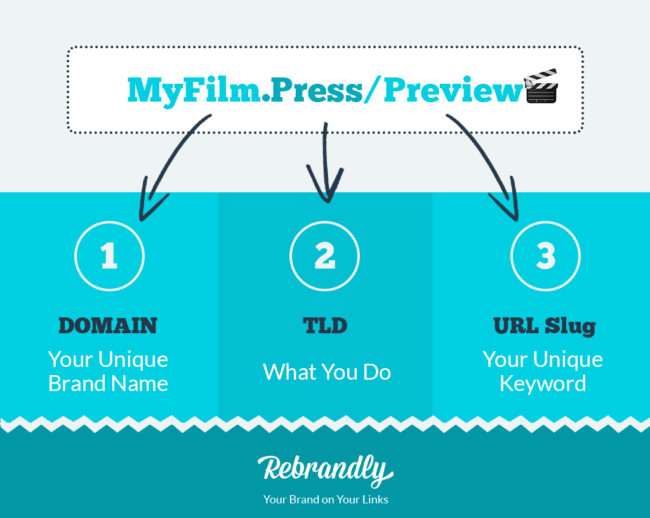
To brand and shorten a URL with Rebrandly, you can:
- Do it directly on the Rebrandly platform
- Use one of our browser extensions
- Do it with the app
1. How to shorten a link directly on Rebrandly
Sign into your Rebrandly account and click ‘new link’. Then you can paste the original URL you want to shorten and decide which domain you want to use and customize the slash tag.

Once you click ‘create link’, you can then opt to add notes, tags or retargeting scripts to your link. You can also set up traffic routing if you want the link to direct to different places depending on the location, device or time of your visitor. Plus, you can instantly generate a QR code for your shortened link right from the dashboard.
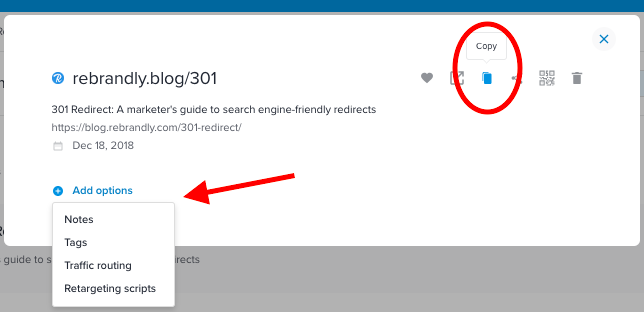
Then, you can choose for the link to be automatically copied to your clipboard – or click ‘copy’ and you’re ready to share your link.
2. How to shorten links with the Rebrandly extension
The Rebrandly browser extension has this cool Automatic Link Detection feature that makes things super easy. Once you install our extension for Chrome, you can rebrand any link just by hovering your mouse over it. Whether you’re typing up an email or posting on social media, it’s a really smooth way to create branded links without breaking your flow or having to switch between tabs. The extension will instantly generate your custom shortened URL right there on the page.
3. How to shorten a link with the Rebrandly app
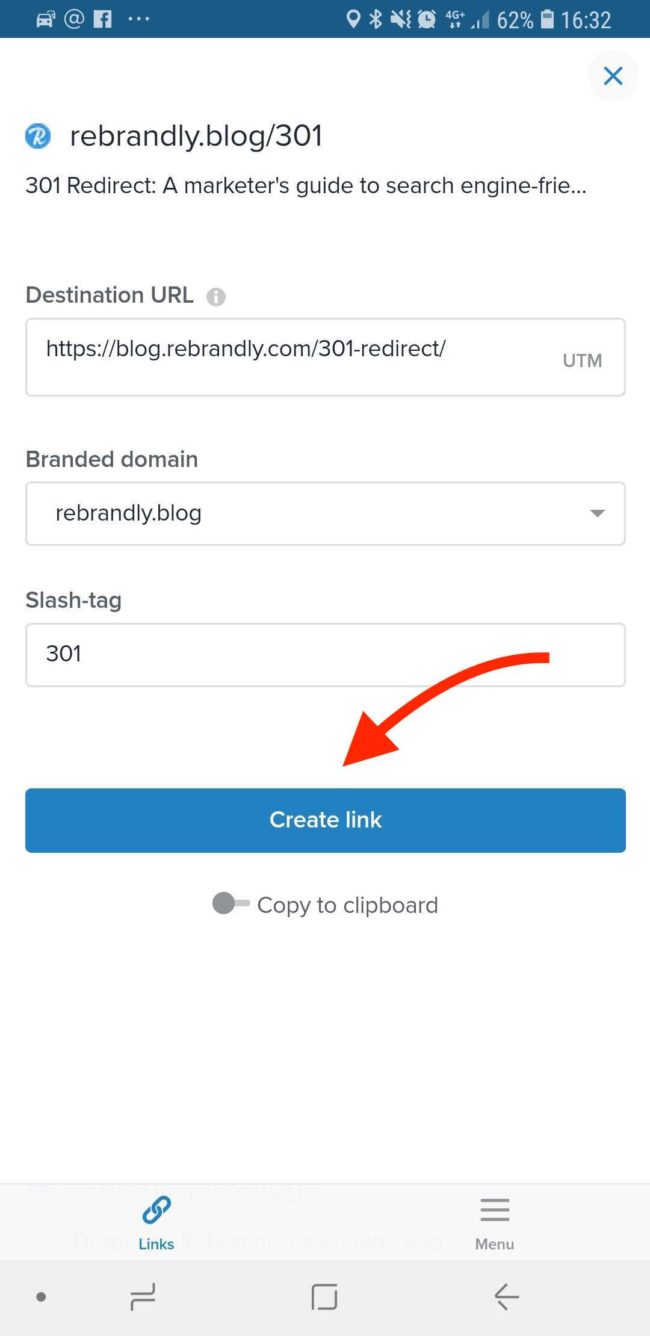
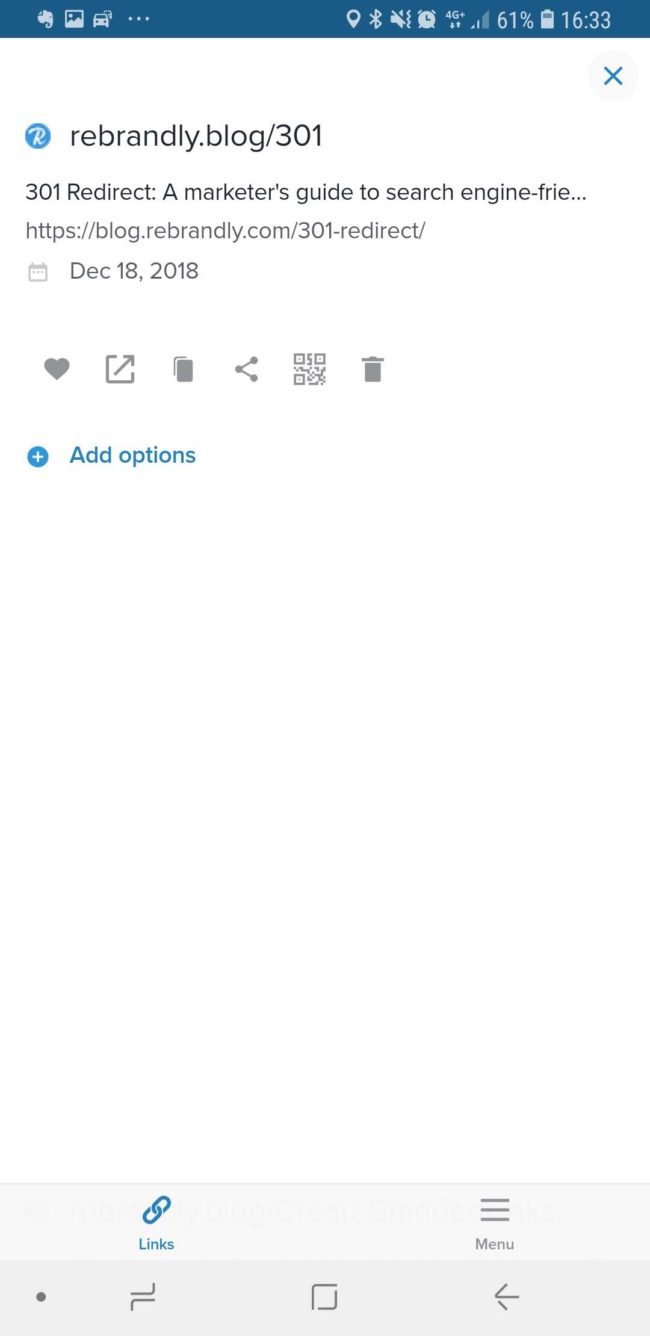
Last but not least, you can shorten links on the go with the Rebrandly app for Android or iOS. All you have to do is open the app on your phone and then follow the same process you would if you were on your computer. Just paste the long original URL, choose a domain and keyword, then click ‘Create link’ to instantly generate your custom shortened URL. You can even create a QR code for easy sharing right from the mobile app.
Now you can share your shortened link on social media platforms, in marketing materials, via SMS and more. Use Rebrandly to create memorable links that your audience and connect with.