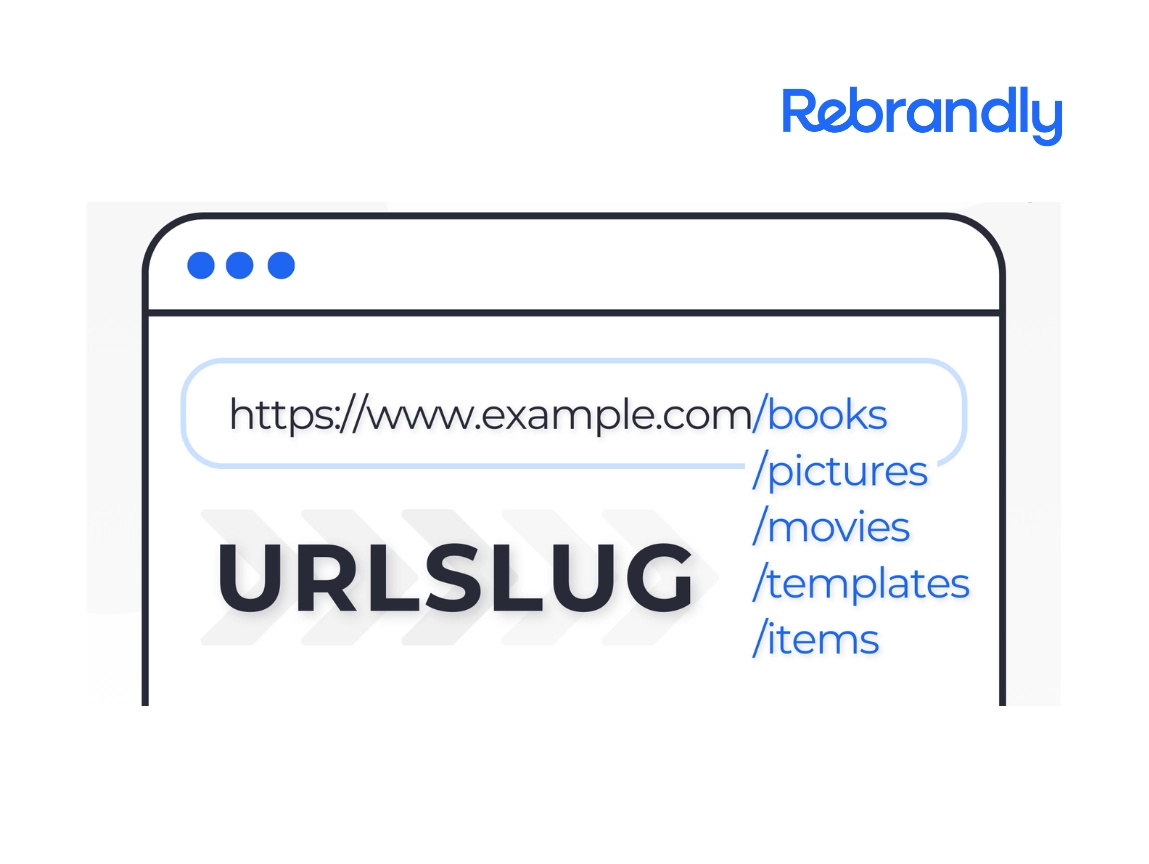

Long, complex URLs create unnecessary friction for users and can appear unsafe or untrustworthy. But the right Chrome extension can instantly transform lengthy unfamiliar links into a concise, professional format, allowing you to create, share, and track them more easily. Moreover, you can integrate a custom domain to create branded links that build trust and amplify your online identity.
It’s important to note that not all link shortener extensions are the same. Sometimes, even big-name companies let their extensions expire, creating functional issues and potential security risks for their users. When that happens, hackers can exploit vulnerabilities in outdated extensions to inject malware or obtain access to sensitive information.
With so much at stake, choosing a tool which helps you build reliable, secure, branded links to achieve your goals is essential. Rebrandly’s Chrome extension URL shortener is the #1 dependable, safe, and practical choice for shortening, branding, and tracking links. Once installed, you can:
- Create short links without leaving your browser window
- Brand and personalize your links with acustom domain
- Create and share QR codes within your browser
- Add UTM tracking information
- Collect performance data on the links you create
Here’s how to get the most mileage from this handy little tool:
How to install and use Rebrandly’s Chrome extension
You are just a few steps away from one-click link management.
Installation
Installation is quick and easy.
- Visit the Chrome web store and search for Rebrandly, or click this link.
- Click “Add to Chrome” and then “Add extension.”

3. The extension will be added to your Chrome toolbar. If you don’t see it, click the puzzle piece icon to display a pull-downions’ pull-down menu.

4. Click the icon, and you will be prompted to log in to Rebrandly or to sign up for an account.
Shorten Links
The simplest way to shorten a link:
- Navigate to the page for which you want to create a link.
- Click the Rebrandly icon in your browser toolbar.
- Your link will be automatically generated using Rebrandly’s default domain. Press the copy button to share.

Of course, you can do so much more with your links than just shorten them:
Brand links
- Click the edit icon.

2. Choose the domain you wish to use. Select any custom domain you’ve previously purchased and added to your Rebrandly account.

3. Enter a custom slash tag. The slash tag is the descriptive text at the end of your link.

4. Click “Update link”.

Add UTMS
UTM parameters in shortened links provide crucial tracking data about your campaigns’ performance. They reveal how users found and interacted with your content across channels and marketing initiatives.
- Configure your branded link using the instructions above.
- Click the UTM icon.

3. Either use a preset that you’ve previously configured or fill out one or more of the fields below.
- Source: This represents where you will post the link. ]
- Examples: “linkedin,” “newsletter,” or “facebook”.
- Campaign: Use this to identify the marketing campaign or reason you are creating the link.
- Examples: “summer-promotion” or “meetup-group”
- Content: Differentiate links based on the content surrounding them, such as CTAs, headlines, or specific images.
- Example: Test two different CTAs on a LinkedIn ad and mark them with the UTM “get-ebook” vs “subscribe-now.”
- Medium: Track the type of post where you are sharing your link.
- Example: “blog-comment” if you are posting your link in the comments of someone’s blog post, or “quora-answer”
- Term: Use this field for any other information you want represented in the link.
- Example: the name of the person who created it, a keyword related to the content, the part of the customer journey where the link appeared etc.

4. Create the link and share.
Create a QR code
- Customize your link per the instructions above, then click the QR code icon.

2. Customize the size of your QR code based on your needs.

3.Download or print.
Track Link data
Links created with the Chrome plugin will automatically be saved to your Rebrandly account so that you can track clicks and other important link analytics.
To access your link data:
- Log in to your Rebrandly dashboard.
- Click the link in the header marked Reports.
- Here, you will find all relevant data about the number of people who clicked your links, when they clicked, their geographic location, and more.
Get started with Rebrandly’s chome extension URL shortener
Visit the Chrome Web Store today to download the Rebrandly extension and create professional, branded links in seconds. Your one-click link management journey begins here.