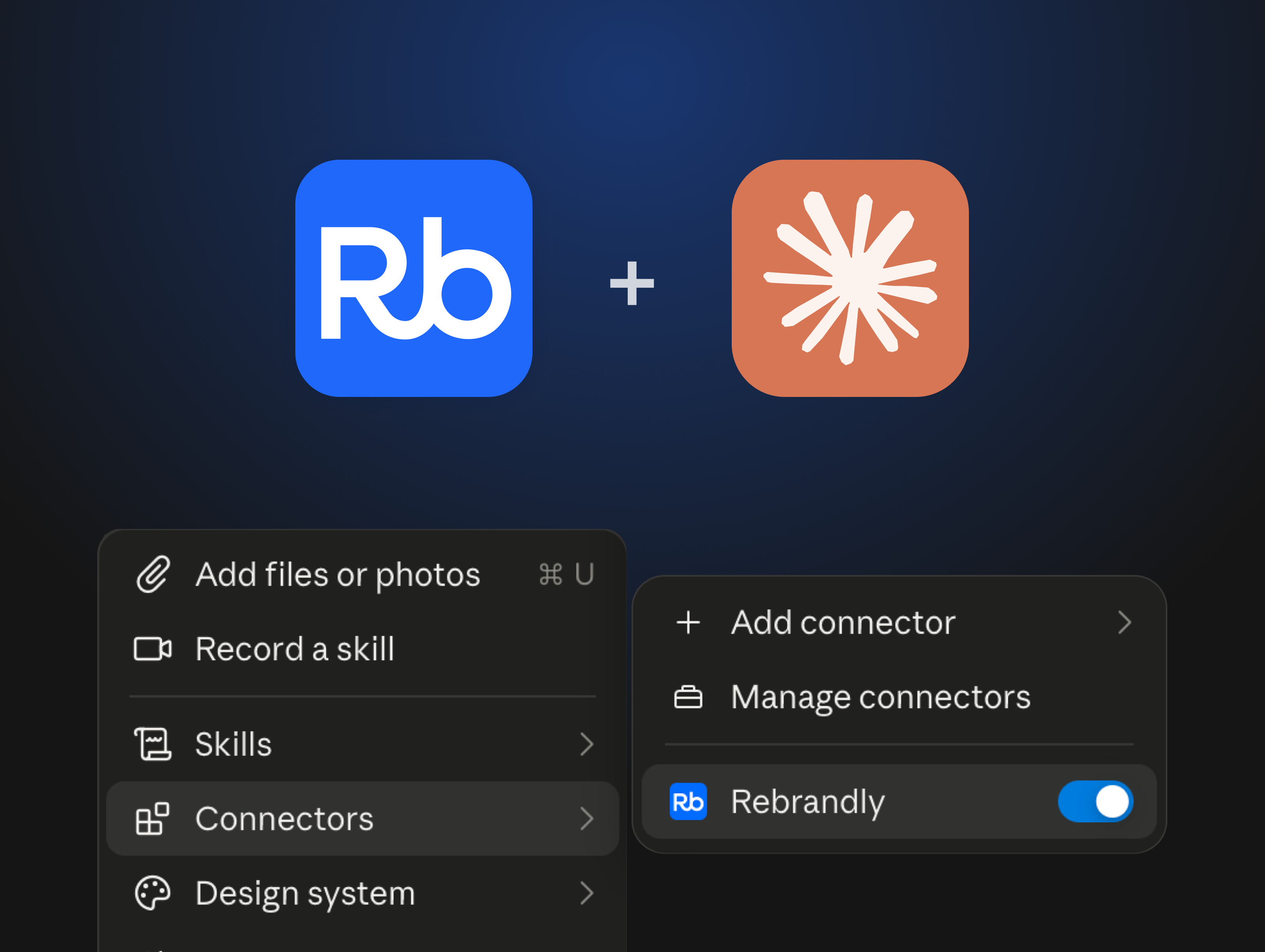
The way developers work is fundamentally changing. With AI assistants like Claude Desktop, Cursor, and VS Code Copilot becoming standard development tools, teams need infrastructure that works conversationally.
That's the problem we're solving with Rebrandly's MCP Server. Instead of switching between your AI assistant and the Rebrandly dashboard to create links, you can now manage everything through natural conversation.
What is Model Context Protocol?
Model Context Protocol (MCP) is an open standard that lets AI assistants connect directly to external services. Think of it as giving your AI assistant the ability to take actions on your behalf—not just answer questions.
For link management, this means your AI assistant can:
- Create branded short links on demand
- Update link destinations after campaigns launch
- Pull analytics data for performance reports
- Move links between workspaces as your organization changes
- Perform bulk operations that would take hours manually
The protocol handles all the technical complexity—authentication, rate limiting, error handling—so you can focus on getting work done through conversation rather than clicking through interfaces.
The shift from dashboards to conversation
Traditional link management assumes you'll open a dashboard, fill out forms, and click through interfaces. But that doesn't match how AI-native teams actually work.
When you're already working in Claude Desktop to write campaign copy, why switch to a separate dashboard to create links? With this MCP, creating branded links becomes part of your natural workflow.
For example
"Take these 10 product URLs and create branded short links using our spring-sale domain, then give me a CSV I can upload to our email platform."
This isn't just about convenience. AI unlocks capabilities that weren't possible before:
- Workspace migration in 30 seconds: Moving links between workspaces manually requires clicking through each link one by one. With MCP, you can say "Move all my links from the ‘Old Campaign’ workspace to the ‘Archive’ workspace" and it's done. What used to take 2 hours now takes 30 seconds.
- Bulk operations without code: Need to create 50 campaign links with consistent naming and tags? Just describe what you need in plain English rather than writing scripts or clicking through forms.
- Context-aware link management: Your AI assistant sees your whole conversation history, so it can make intelligent decisions about link creation based on your current project context.
How Rebrandly MCP Server works
We built Rebrandly MCP Server as an HTTP-based service that connects your AI assistant to your Rebrandly account. Here's what makes it different from traditional API integrations:
Simple installation: One command in Claude Code or Gemini CLI adds Rebrandly to your AI assistant. No SDK installation, no authentication flow debugging, no request formatting.
claude mcp add --transport http rebrandly <https://mcp.rebrandly.com/v1/mcp> --header "REBRANDLY_API_KEY: YOUR_API_KEY"
If you use Claude Desktop or Cursor installation is even easier and requires zero coding.
Comprehensive capabilities: Unlike basic link shortening APIs, the MCP server provides access to Rebrandly's full platform—workspaces, domains, analytics, traffic routing, and more. Your AI assistant can perform almost operation you'd do in the dashboard.
Enterprise reliability: The same 99.99% uptime and SOC 2 compliance that powers our core platform ensures your AI workflows never break due to infrastructure issues.
Supported platforms:
- Claude Desktop (via proxy configuration)
- Claude Code (one-line setup)
- Gemini CLI (one-line setup)
- Cursor IDE (JSON configuration)
- VS Code + GitHub Copilot (via proxy)
- Amazon Q Developer (via proxy)
Getting started
Setting up Rebrandly MCP Server takes less than 5 minutes:
- Get your API key: Generate one from your Rebrandly dashboard
- Choose your platform: We support Claude Code, Gemini CLI, Claude Desktop, Cursor, VS Code + Copilot, and Amazon Q
- Run the installation command: Copy-paste the configuration for your platform from our installation guide
- Start working: Ask your AI assistant to list your links, create new ones, or perform any Rebrandly operation
Full documentation: developers.rebrandly.com/docs/mcp-server
Rebrandly MCP quick start guide for Claude
What's next
This is just the beginning. We're actively working on:
- Additional platform support as new MCP-compatible AI assistants launch
- Enhanced capabilities for programmatic link management through conversation
- Better integration with existing marketing automation workflows
- Advanced analytics and reporting through conversational queries
More importantly, we're learning from how teams actually use MCP to shape Rebrandly's product roadmap. The impossible-to-possible transformations we're seeing—like 30-second workspace migrations—are informing how we think about every feature we build.
If you're building AI-powered marketing workflows or just want link management that works the way you actually work, the MCP server gives you a fundamentally better experience than traditional dashboards or API integrations.
Try it today and let us know what you think. We're at the beginning of a major shift in how marketing teams work, and we want Rebrandly to be the infrastructure that makes it possible.