
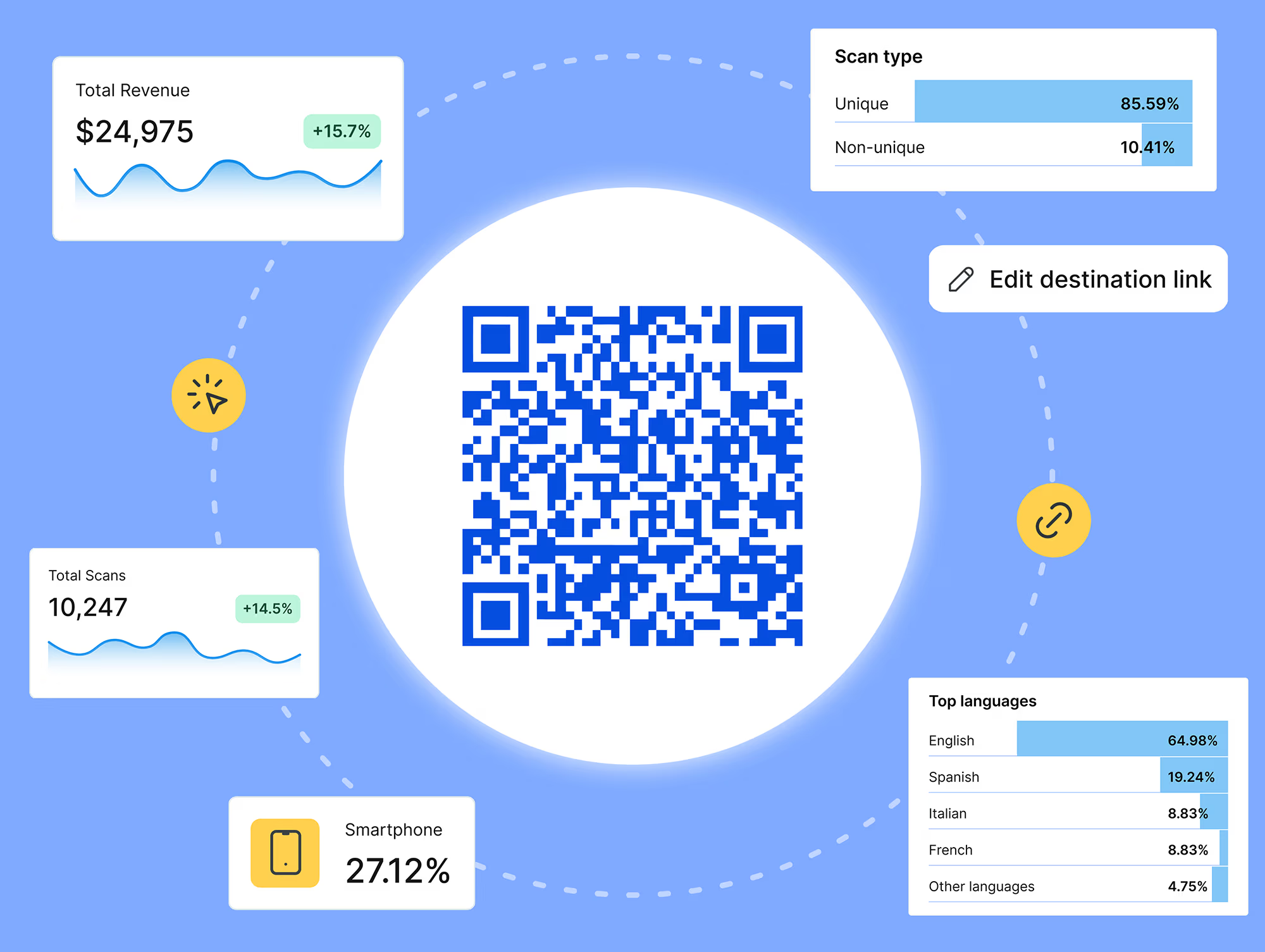

The QR codes on a print ad, a product box, and a conference badge all look the same, but they're not created equal. Whether a code is static or dynamic has a big business impact.
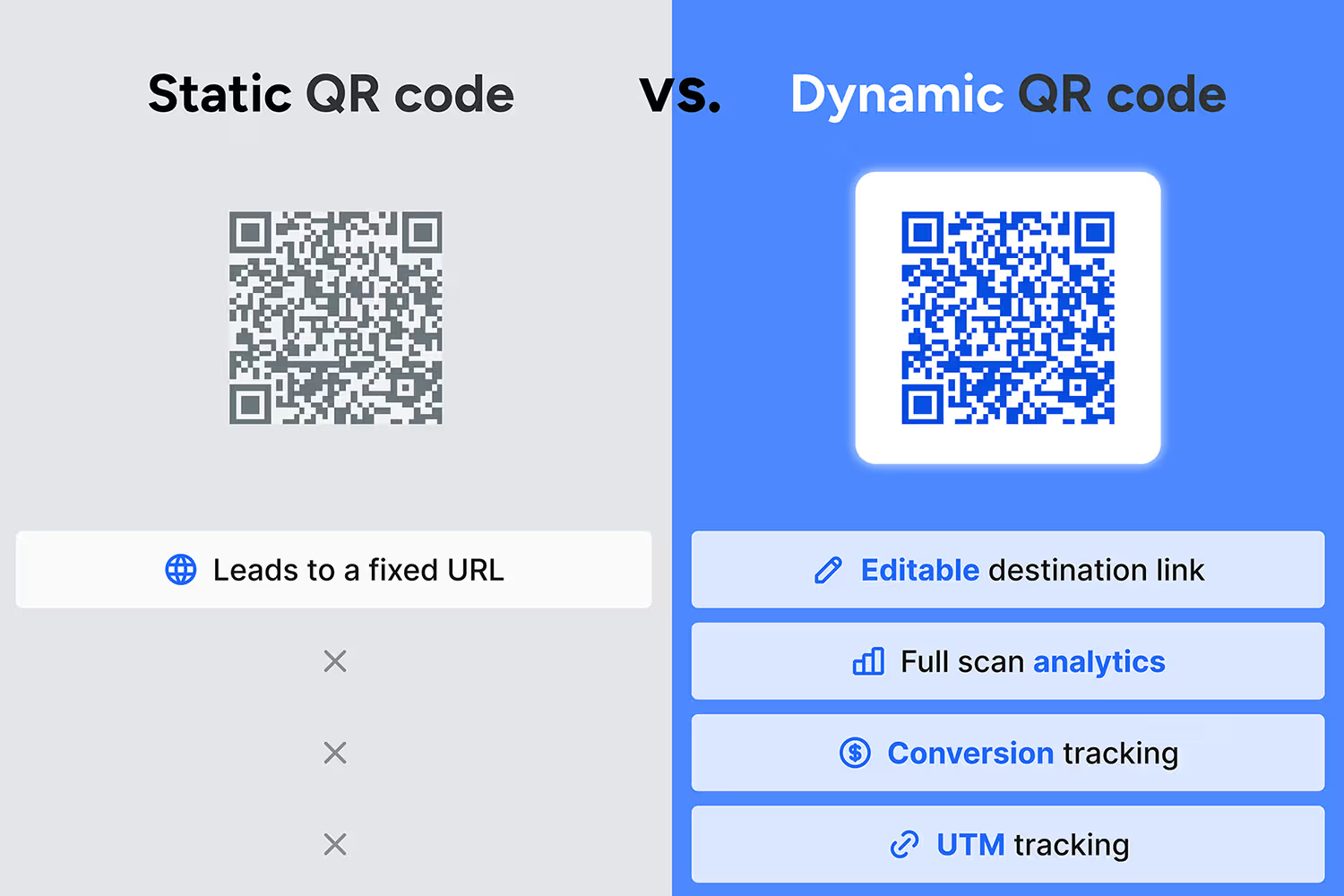
Static QR codes are locked forever: one QR code, one destination, with limited data capture. Dynamic QR codes, on the other hand, can change with the needs of the business. You can correct a mistake or update the destination to point somewhere new. And you can collect campaign data that goes far beyond basic scan count.
If you're planning a print run, a retail rollout, or a multi-channel campaign in 2026, the QR code type you pick determines what you'll be able to report to your CMO next quarter. Here's how they actually compare on analytics, tracking, and reporting.
What a static QR code gives you
A static QR code has the destination link baked directly into the code's pixel pattern. There's no server in the middle, no redirect, no dashboard.
That means:
- The URL can't be changed once the code is printed
- There's no scan data. Not volume, not location, not device, not timing
- A typo or a dead link means reprinting every code in the field
Static codes work fine for something like a Wi-Fi password that never needs to change. For a marketing campaign, they leave you flying blind.
What a dynamic QR code gives you
A dynamic QR code points to a short redirect link instead of the destination itself.
Scan the code, and the redirect sends the visitor to wherever you've set the destination URL to point right now.
Because every scan passes through that redirect, it gets logged. That single design choice is what turns a QR code from a print element into a source of data.
With a dynamic setup, you can see:
- Total scans and scans over time
- Device type, operating system, and browser
- Approximate location, down to city level in most tools
- Unique versus repeat scans
- Time of day and day of week
None of that exists with a static code.
It's the difference between guessing a flyer worked and knowing 340 people scanned it in the first three hours it was on display.
Marketer use case:
You print a thousand postcards to hand out at a conference — let's say it's in Chicago. One week later, you see scans popping up from around the world. Now you have signals. You know whether your message landed and whether the offer or CTA was worth a scan. If you're not proud of the results, you can improve for the next one. And you can pass along first-party signals to other departments for outreach.
Editing the QR code destination makes your print-run future-proof
With a static code, the destination is locked the moment the code is generated.
If the campaign landing page moves, the promotion ends, or someone finds a broken link two days into a print run, there's no fix short of reprinting.
With a dynamic QR code, you edit the destination URL from your dashboard. The printed code stays exactly the same. You can:
- Redirect a code to a new landing page mid-campaign, without new print materials
- Point the same code to different pages by time of day, region, or promotion phase
- Fix a broken or mistyped URL in seconds instead of a reprint cycle
For marketers running campaigns across multiple markets, that editability is often the most valuable unlock. One code, generated once, can support an entire campaign lifecycle.
Reporting: from scan count to attribution
A scan count on its own answers one question: did people interact with the code?
It doesn't tell you which campaign drove it, which channel performed best, or what happened after the scan.
Dynamic QR codes close that gap because the underlying link supports the same tracking most marketing teams already use for other channels:
- UTM parameters attached to the destination URL, so scans show up correctly in Google Analytics or your platform of choice
- Custom reports segmented by code, campaign, or market
- Conversion tracking that follows a scan through to a signup, purchase, or form fill
That's what turns QR code analytics into campaign performance data instead of a vanity number.
A banking team can compare scans to app installs across physical locations. A healthcare company can show exactly which billboard, mailer, or location generated appointments, not just clicks.
Regulated industries have more at stake
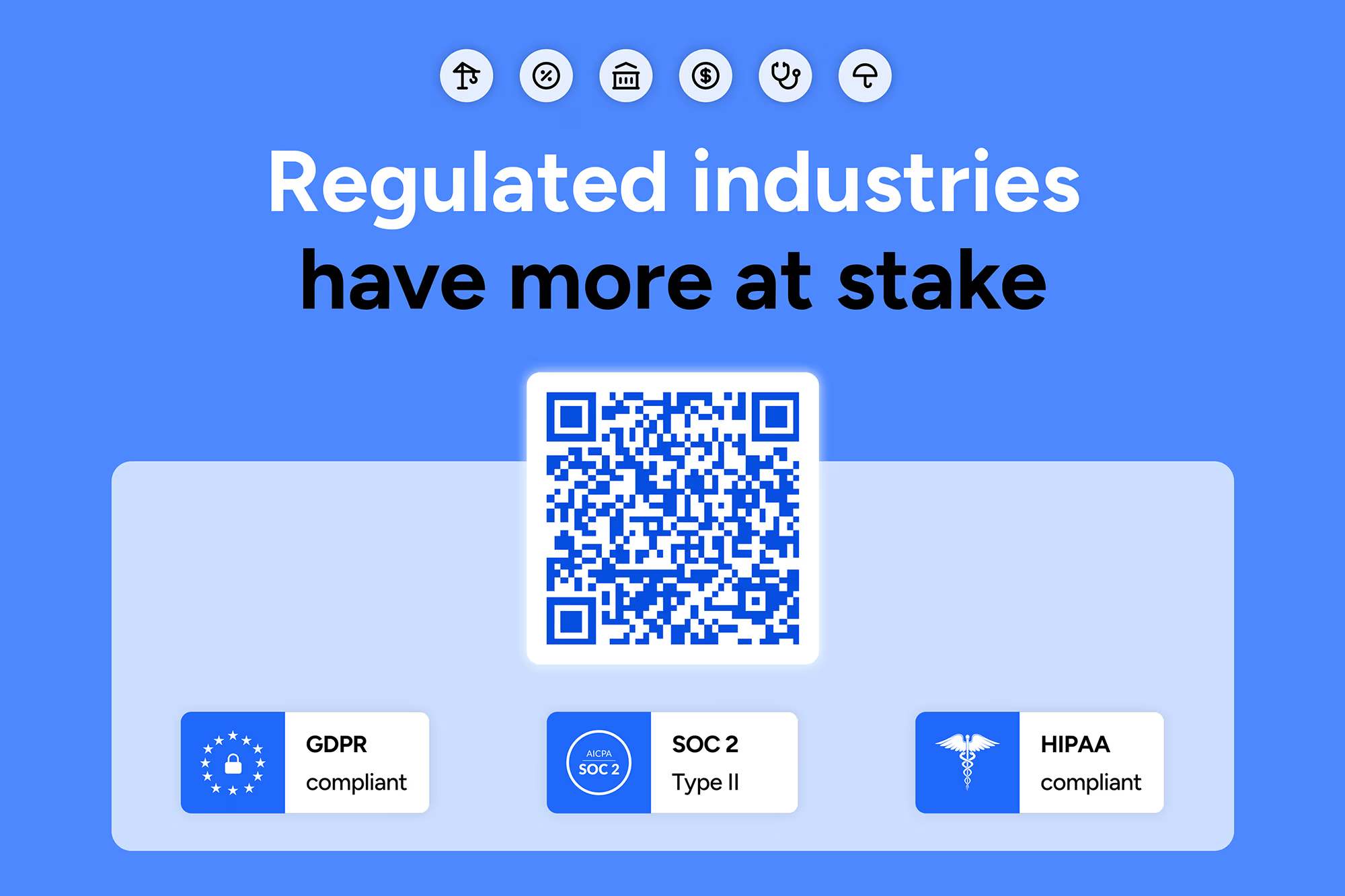
For healthcare, financial services, insurance, and other regulated industries, the static-versus-dynamic decision carries extra weight.
Printed materials in regulated spaces — patient handouts, policy documents, financial disclosures — often stay in circulation for months or years.
A static code with an outdated or incorrect destination isn't just an inconvenience. It can point patients or customers to information that no longer matches current policy or guidance.
A dynamic QR code lets a compliance or legal team update the destination the moment something changes, without recalling or reprinting existing materials. The link infrastructure also needs to hold up to scrutiny: look for a provider with SOC 2 Type II, HIPAA, GDPR, and CCPA compliance built in, since QR codes in these sectors often carry protected data downstream of the scan.
Analytics matter here too. Being able to show when a code was last updated and what it pointed to at any given time supports audit trails that static codes simply can't provide.
When a static code is the right call
None of this means dynamic is always the answer. A static code makes sense when:
- The destination will genuinely never change (a Wi-Fi login, a fixed contact card)
- Tracking scan data isn't relevant to the use case
- The code has a short shelf life and low stakes if something needs correcting
For most marketing and agency use cases, though, the campaign runs longer than expected, the landing page gets updated, or leadership asks for scan data that a static code was never built to provide.
Choosing the right setup
Before your next print run, agencies and marketing teams should ask:
- Will this code appear in more than one place, or run for more than a few weeks?
- Does anyone need to run scans, devices, or locations after the campaign launches?
- Is there any chance the destination changes before the printed materials are gone?
- Does the use case touch a regulated industry where audit trails matter?
A "yes" to any of these points toward a dynamic QR code with real link analytics behind it.
Rebrandly's QR code tool builds every code as dynamic by default, with real-time scan analytics, editable destinations, UTM support, and conversion tracking in one dashboard.
Generate a code once, and it keeps working for the campaign — and the audience — in front of it.

.jpg)





