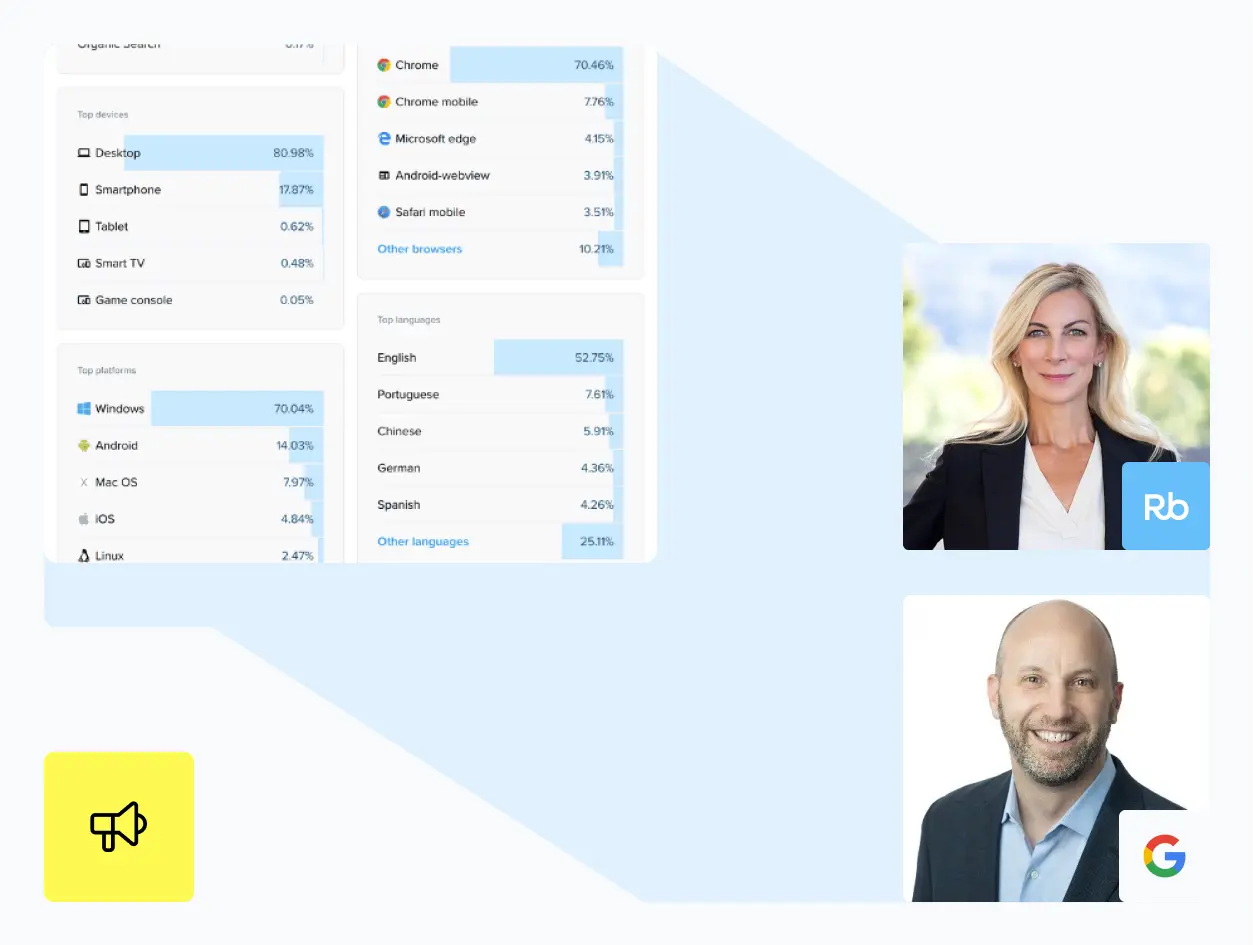

Marketing and engineering teams deal with siloed click data. Reports arrive hours late. Manual exports introduce errors. Decisions get made on stale information.
Rebrandly webhooks deliver click event data to your systems within 10 seconds of each interaction. Analytics update in real-time. Automations trigger while user intent is active. Teams see complete campaign context without logging into multiple platforms.
Compared to polling: Instead of repeatedly checking for new clicks, webhooks deliver events as they happen; fewer API calls, no polling delays, lower infrastructure costs.
Compared to batch exports: Manual exports mean remembering to pull data, converting file formats, and uploading to destination systems. Webhooks automate this workflow, cutting manual data entry by 95%.
This guide covers implementation, security, and integration patterns for developers building automated workflows with Rebrandly's webhook infrastructure.
The webhook payload
Every time someone clicks your branded link, Rebrandly sends an HTTP POST to your endpoint with this JSON payload:
{
  "data": [
    {
      "timestamp": "2025-10-25T02:36:47.132Z",
      "client": {
        "agent": {
          "browser": {
            "name": "chrome-mobile",
            "version": "121.0.0.0"
          },
          "os": {
            "name": "android",
            "version": "android-10"
          },
          "device": {
            "name": "smartphone"
          }
        },
        "geo": {
          "country": "US",
          "region": "CA",
          "city": "San Francisco"
        }
      },
      "route": {
        "id": "12345abcde",
        "slashtag": "product-launch",
        "createdAt": "2023-08-31T04:13:48.385",
        "domain": {
          "id": "8f104cc5b6ee4a4ba7897b06ac2ddcfb",
          "raw": "brand.link",
          "zone": "link.brand"
        },
        "destination": {
          "raw": "https://example.com/landing-page",
          "protocol": "https",
          "hostname": "example.com",
          "path": "/landing-page"
        }
      }
    }
  ],
  "key": "userId_32f5164718384fcda6503f550295885e-configId_db2a7cdeb91f4a2b9"
}
Request headers:
- Content-Type:
application/json - X-Rebrandly-Secret: your_secret_key (for authentication)
What's in the payload:
- timestamp - ISO 8601 UTC timestamp. Use this to order events if they arrive out of sequence.
- client.agent - Browser, OS, device type. Good for analytics and bot detection.
- client.geo - Country, region, city. Use for geographic analysis or localization.
- client.location - Geographic data with country codes in ISO 3166-1 A-2 format (e.g., "us", "it"). Region codes use ISO 3166-1 alpha-2 format. Location is determined by IP address.
- route - Link ID, slashtag (the back-half of your short link), domain, destination URL. Connects clicks to specific campaigns.
- key - Unique identifier in format `rb-clicks-stream-1-YYYY-MM-DD-HH-mm-ss-(GUID)`. This is more useful for Rebrandly to find the click if needed quickly.
Basic implementation
Here's a minimal webhook endpoint that validates the secret and stores events:
# Python/Flask example
from flask import Flask, request, jsonify
import os

app = Flask(__name__)

@app.route('/webhook', methods=['POST'])
def webhook_handler():
    # 1. Validate the secret key
    expected_secret = os.environ.get('apikey')
    received_secret = request.headers.get('apikey')

    if expected_secret != received_secret:
        return jsonify({'error': 'Unauthorized'}), 401

    # 2. Get the payload
    event_data = request.get_json()

    # 3. Process it (store, forward, trigger workflows)
    for event in event_data['data']:
        print(f"Click at {event['timestamp']}")
        print(f"Link: {event['route']['slashtag']}")
        print(f"Location: {event['client']['geo']['city']}")
        # Save to database, call other APIs, etc.

    # 4. Return success quickly (within 30 seconds)
    return jsonify({'status': 'received'}), 200

if __name__ == '__main__':
    app.run(port=5000)

// Node.js/Express example
const express = require('express');
const app = express();

app.use(express.json());

app.post('/webhook', (req, res) => {
    // 1. Validate the secret key
    const expectedSecret = process.env.REBRANDLY_SECRET_KEY;
    const receivedSecret = req.headers['apikey'];

    if (expectedSecret !== receivedSecret) {
        return res.status(401).json({ error: 'Unauthorized' });
    }

    // 2. Get the payload
    const eventData = req.body;

    // 3. Process it
    eventData.data.forEach(event => {
        console.log(`Click at ${event.timestamp}`);
        console.log(`Link: ${event.route.slashtag}`);
        console.log(`Location: ${event.client.geo.city}`);
        // Save to database, call other APIs, etc.
    });

    // 4. Return success quickly
    res.status(200).json({ status: 'received' });
});

app.listen(5000, () => {
    console.log('Webhook listener running on port 5000');
});
Your endpoint requirements:
- Accept HTTP POST requests
- Validate the apikey header
- Respond within 5 seconds (return 200-299 status codes for success)
- Be accessible via HTTPS
- Handle JSON payloads
Critical reliability information
We don't retry failed deliveries. Each event is sent once. If your endpoint is down or returns an error, that event is gone.
Events may arrive out of order. Network conditions can cause later clicks to arrive before earlier ones. Use the timestamp field to order events correctly.
Design for reliability:
- Accept events quickly, process them asynchronously
- Make database operations idempotent (safe to repeat)
- Build redundancy into your endpoint
- Monitor for missed events
- For critical use cases, cross-check webhook data with periodic API polling
Async processing pattern
Don't process events synchronously in your webhook handler. Accept the event, queue it, return success immediately, then process in the background:
# Python with queue-based processing
from flask import Flask, request, jsonify
import queue
import threading

app = Flask(__name__)
event_queue = queue.Queue()

@app.route('/webhook', methods=['POST'])
def webhook_handler():
    # Validate secret key
    if not validate_webhook(request):
        return jsonify({'error': 'Unauthorized'}), 401

    # Queue event immediately, don't process synchronously
    event_data = request.get_json()
    event_queue.put(event_data)

    # Return success before processing
    return jsonify({'status': 'received'}), 200

def process_events():
    while True:
        event = event_queue.get()
        # Process event: save to database, call APIs, etc.
        handle_event(event)
        event_queue.task_done()

# Start background processor
processor = threading.Thread(target=process_events, daemon=True)
processor.start()
This keeps your endpoint fast (responding in under a second), reducing timeout risk while still processing events thoroughly.
Security best practices
Always validate the secret key. When you create a webhook in the Rebrandly dashboard, we generate a random secret. We send this in the apikey header. Check it on every request.
Secret key format: Your secret key is a standard UUID (128-bit identifier) in the format of 8-4-4-4-12 hexadecimal characters (e.g., 550e8400-e29b-41d4-a716-446655440000). This follows the UUID v4 standard.
If the secret is rotated and a user is using the UUID in an external system, they'll need to update it. Note that this key is not required to call webhooks.
Store secrets properly:
- Use environment variables or a secrets manager
- Never commit secrets to version control
- Rotate secrets periodically
Treat webhooks like any external API:
- Validate all data before using it
- Sanitize inputs before database operations
- Rate limit to prevent abuse
- Log authentication failures for security monitoring
Performance and limits
Delivery speed: Events typically arrive within a few seconds to a couple of minutes after the click. Batching is managed directly by AWS when we store the clicks—it will trigger batches or single clicks depending on volume.
Success rate: We maintain 99.9% successful send rate (Note: This measurement doesn't include customer endpoint failures—only successful sends from Rebrandly's side).
No rate limits on events: Your endpoint receives events as fast as people click your links—from occasional traffic to high-volume bursts during major campaigns. There are no limits set up right now. Events are queued on our side, so your endpoint receives them as quickly as it can process them.
Plan-based webhook limits (these are configuration limits, not event limits):
- Professional: 1 webhook endpoint
- Growth: 5 webhook endpoints
- Enterprise: 100 webhook endpoints maximum
If you hit the webhook limit, you can delete old webhooks you don't need. There are warnings when you approach the limit.
Design your webhook listener to handle traffic spikes. Use load balancing, auto-scaling, and connection pooling for high-traffic campaigns.
Testing your webhook
1. Set up a test endpoint
Use a service like webhook.site create a public URL for local testing.
2. Create the webhook in Rebrandly
Go to Account Settings > Webhooks:
- Name: "Test Webhook"
- URL: Your test endpoint URL
- Secret: Copy the generated secret to your environment variables
- Workspace: Choose which workspace's links will trigger events
3. Send a test event
Click "Send test event" in the Rebrandly dashboard. Check your endpoint logs to verify:
- Event arrives
- Secret validation passes
- Payload parses correctly
Test event format: Test events use synthetic data but match the exact structure of production payloads. Not all parameters will be populated—test events are designed to verify connectivity and authentication, not to represent actual click data.
4. Trigger a real click
Click one of your branded links. Within 10 seconds, you should receive a webhook with real click data.
5. Test failure scenarios
- Return a 500 error from your endpoint (event won't be retried)
- Take longer than 30 seconds to respond (request times out)
- Return invalid status codes (webhook delivery fails)
Integration examples
Stream clicks to BigQuery
from google.cloud import bigquery
from flask import Flask, request, jsonify

app = Flask(__name__)
client = bigquery.Client()
table_id = "project.dataset.clicks"

@app.route('/webhook', methods=['POST'])
def webhook_handler():
    if not validate_webhook(request):
        return jsonify({'error': 'Unauthorized'}), 401

    event_data = request.get_json()
    rows = []

    for event in event_data['data']:
        rows.append({
            'timestamp': event['timestamp'],
            'slashtag': event['route']['slashtag'],
            'country': event['client']['geo']['country'],
            'city': event['client']['geo']['city'],
            'device': event['client']['agent']['device']['name'],
            'destination': event['route']['destination']['raw']
        })

    # Insert rows into BigQuery
    errors = client.insert_rows_json(table_id, rows)

    if errors:
        print(f"Errors: {errors}")
        return jsonify({'status': 'error'}), 500

    return jsonify({'status': 'received'}), 200
Trigger HubSpot workflow
const express = require('express');
const axios = require('axios');

app.post('/webhook', async (req, res) => {
    if (!validateWebhook(req)) {
        return res.status(401).json({ error: 'Unauthorized' });
    }

    const eventData = req.body;

    for (const event of eventData.data) {
        // Update contact in HubSpot based on link clicked
        const linkClicked = event.route.slashtag;

        if (linkClicked === 'pricing') {
            await axios.post('https://api.hubapi.com/contacts/v1/contact/email/{email}/profile', {
                properties: [
                    {
                        property: 'viewed_pricing',
                        value: 'true'
                    },
                    {
                        property: 'last_pricing_view',
                        value: event.timestamp
                    }
                ]
            }, {
                headers: { 'Authorization': `Bearer ${process.env.HUBSPOT_API_KEY}` }
            });
        }
    }

    res.status(200).json({ status: 'received' });
});
Send events to Google Analytics 4
import requests

def send_to_ga4(event):
    # GA4 Measurement Protocol
    ga4_endpoint = f"https://www.google-analytics.com/mp/collect?measurement_id={GA4_MEASUREMENT_ID}&api_secret={GA4_API_SECRET}"

    payload = {
        'client_id': event['key'],
        'events': [{
            'name': 'link_click',
            'params': {
                'slashtag': event['route']['slashtag'],
                'destination': event['route']['destination']['raw'],
                'country': event['client']['geo']['country'],
                'city': event['client']['geo']['city'],
                'device': event['client']['agent']['device']['name']
            }
        }]
    }

    response = requests.post(ga4_endpoint, json=payload)
    return response.status_code == 204

@app.route('/webhook', methods=['POST'])
def webhook_handler():
    if not validate_webhook(request):
        return jsonify({'error': 'Unauthorized'}), 401

    event_data = request.get_json()

    for event in event_data['data']:
        send_to_ga4(event)

    return jsonify({'status': 'received'}), 200
Post notifications to Slack
app.post('/webhook', async (req, res) => {
    if (!validateWebhook(req)) {
        return res.status(401).json({ error: 'Unauthorized' });
    }

    const eventData = req.body;

    for (const event of eventData.data) {
        // Alert team when specific links get clicked
        const linkClicked = event.route.slashtag;
        const location = `${event.client.geo.city}, ${event.client.geo.country}`;

        if (linkClicked === 'product-demo') {
            await axios.post(process.env.SLACK_WEBHOOK_URL, {
                text: `🎯 Product demo link clicked!\nLocation: ${location}\nTime: ${event.timestamp}`
            });
        }
    }

    res.status(200).json({ status: 'received' });
});
Troubleshooting
Problem: Events aren't arriving
Check:
- Is your endpoint accessible from the public internet? (Test with curl or Postman)
- Are you returning 200-299 status codes?
- Does your endpoint respond within 30 seconds?
- Did you create the webhook in the correct workspace?
Problem: Authentication failing
Check:
- Is the secret key stored correctly in your environment variables?
- Are you reading the apikey header correctly? (Header names are case-insensitive but might need lowercasing in some frameworks)
- Did you copy the full secret from the Rebrandly dashboard?
Problem: Events arriving out of order
This is expected. Use the timestamp field to sort events correctly. Make your database operations idempotent so processing the same event twice doesn't cause problems.
Problem: Missing events during downtime
We don't retry failed deliveries. If your endpoint was down, those events are lost. Options:
- Build redundancy into your endpoint (multiple servers, health checks)
- Monitor webhook delivery rates and alert on drops
- For critical use cases, cross-check webhook data against the data in the app. Retention period for older clicks is 30 days.
Problem: Timeout errors
Your endpoint is taking longer than 30 seconds to respond. Solution:
- Accept the event immediately and return 200
- Queue the event for async processing
- Don't make synchronous API calls or long database queries in your webhook handler
FAQ
Can I filter which events I receive?
Not yet. Webhooks send all click events from the configured workspace. Filter on your end based on slashtag, destination URL, or other payload fields.
What event types are supported?
Just click events right now. We're exploring link creation, link updates, and workspace activity events for future releases.
Can I use the same endpoint for multiple workspaces?
Yes, but you'll need to create a separate webhook configuration for each workspace. Use the key field in the payload to identify which webhook sent the event.
Do webhooks work with QR codes?
Yes. QR code scans trigger the same click events as direct link clicks.
Are events retried if my endpoint fails?
No. We don't retry events. Each is sent once. Design your endpoint for reliability.
Can I see delivery history?
Yes. In the Rebrandly dashboard, open your webhook details to see recent delivery attempts, success rates, and response codes. The last 30 days of history is stored.
What you can build
Real-time analytics: Stream click events directly into Google Analytics 4, Segment, or your data warehouse. See campaign performance alongside other metrics without switching platforms.
Automated workflows: Trigger email sequences when prospects click pricing pages. Update lead scores in your CRM based on content engagement. Send Slack notifications when campaigns hit traffic thresholds.
Custom business logic: Route click data to internal tools, trigger complex multi-step workflows, or combine click events with other data sources for custom attribution models.
Webhooks automate data flow that previously required manual exports. Compared to batch exports, webhooks cut manual data entry by 95%. Compared to polling, webhooks deliver events as they happen—fewer API calls, no delays, lower infrastructure costs.
Getting started
- Create a webhook in Rebrandly: Go to Account Settings > Webhooks
- Set up your endpoint using one of the code examples above
- Store the secret key in your environment variables
- Test it with the "Send test event" button
- Deploy and start receiving real click events
Start simple: build an endpoint that logs events. Then add the business logic you need—database storage, API calls, workflow triggers.
Questions? Contact Rebrandly support or visit our API documentation.