
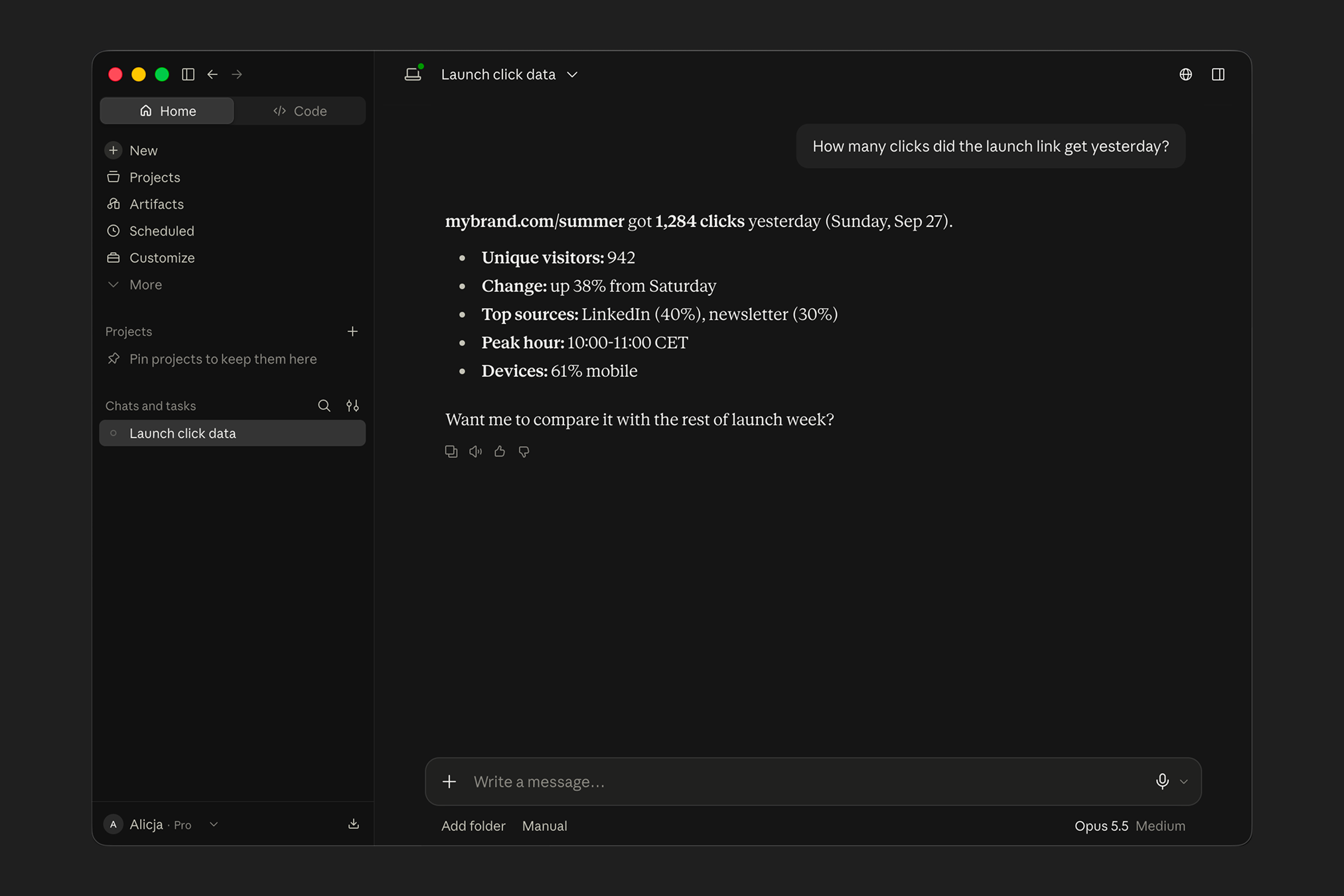
Most link analytics live behind a dashboard. That's fine for exploring, but slow when you have a specific question. "How many clicks did the launch link get yesterday?" shouldn't take five clicks and a saved view to answer.
Now you can get those answers by asking your AI assistant.
Ask questions about your Rebrandly click data in plain language
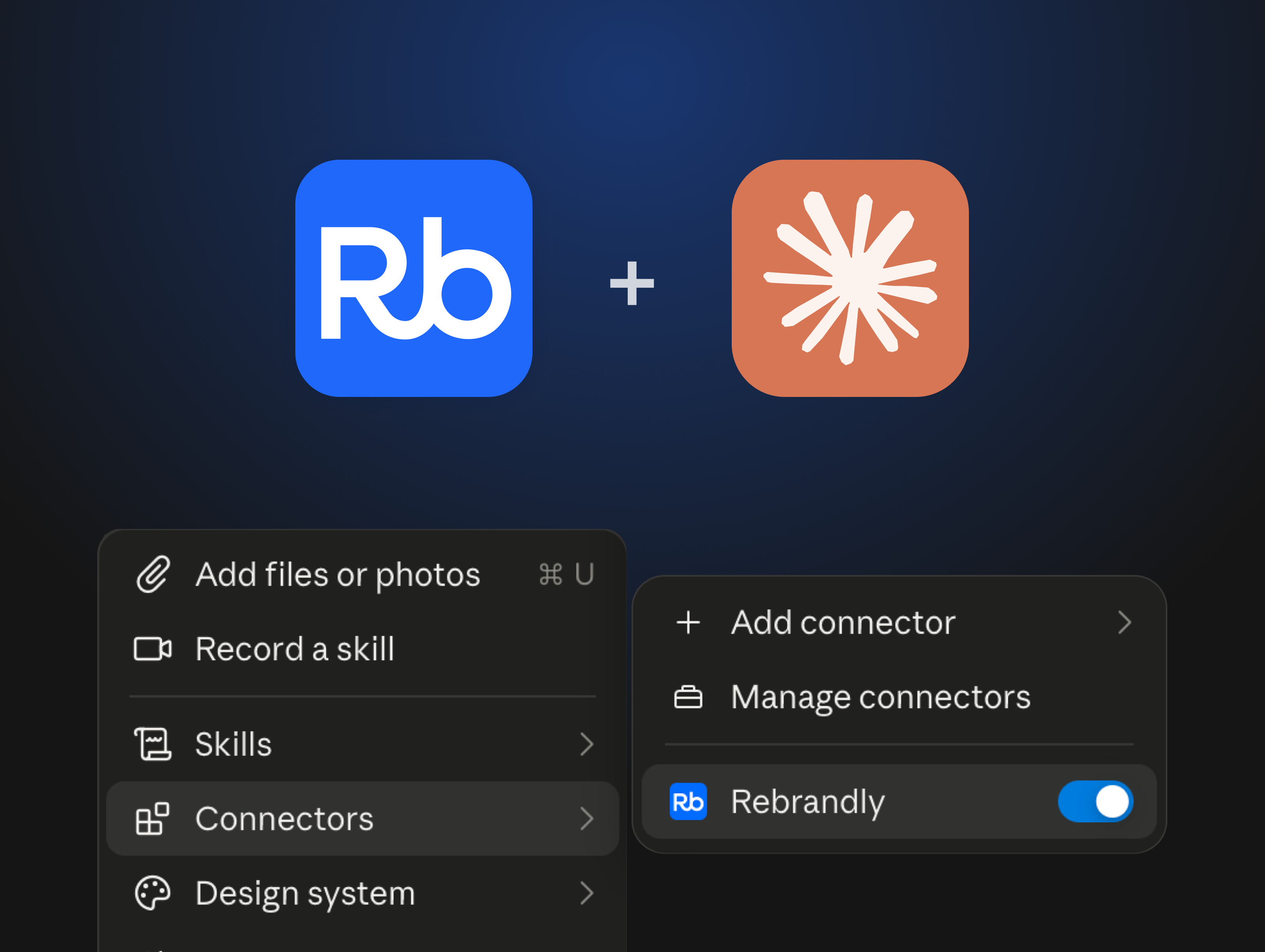
The Rebrandly MCP now reads your click data and answers questions about it in plain language. Instead of manually exporting and uploading data to your AI assistant, or browsing through your dashboard, you can connect Rebrandly to your AI assistant of choice (including our new Claude connector), and ask questions about your Rebrandly links by chatting.
What kind of questions can you ask?
You can ask questions the same way you’d ask a teammate. A few examples:
- Click sources over a period: "Where did clicks on my launch link come from last week?"
- Link performance trends: "How's the referral link trending over the past 30 days?"
- Device and geographic breakdowns: "What's the device and country split for our newsletter link?"
- Simple comparisons across your links: "Which got more clicks, the homepage link or the landing page link?"
How to connect Rebrandly to your AI assistant
If you’re using Claude, Rebrandly is listed in the connectors directory:
- Add the Rebrandly connector in Claude.
- Sign in to your Rebrandly account.
- Ask a question about your links or clicks.
- Read the answer, then ask a follow-up.
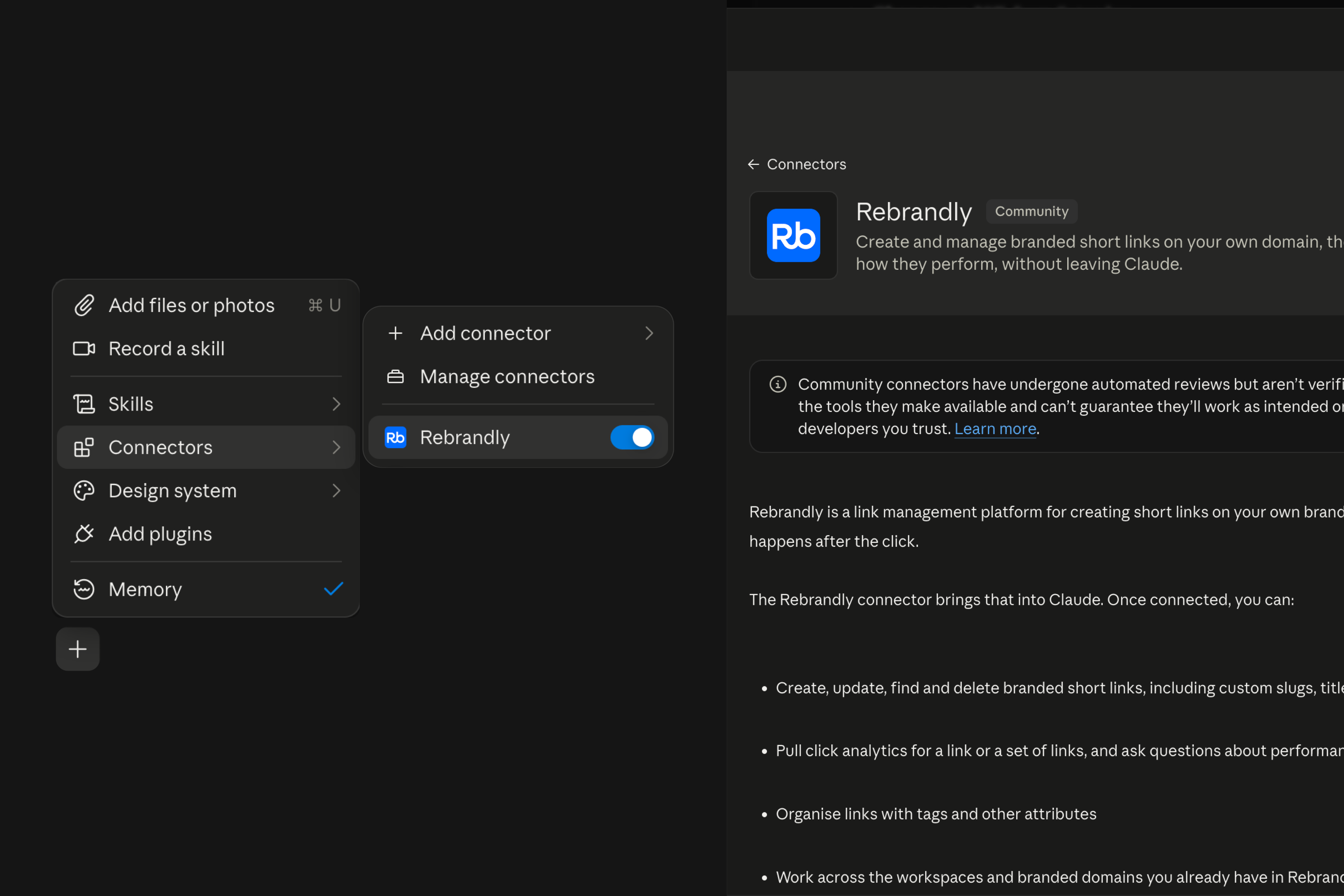
If you’re using other AI assistants like ChatGPT, Cursor, or Gemini, you can install the MCP server manually. You can find the instructions for your AI assistant here.
What's next
This is a step toward proactive insights. Over time, our goal is for Rebrandly to flag things worth your attention, like an unusual shift in where a link's traffic comes from, and offer to help you act on it.
If you’re ready to get started, add the Rebrandly connector in Claude, or set up the MCP, and ask your first question!
And if you're not using Rebrandly yet, you can get started today for free!